Explore the jackery explorer v2 lineup, its strengths for home backup, and how it stacks against rivals. Practical setup tips and durability notes for real-world use.
The common assumption is that a portable power station is a plug-and-forget backup. In practice, the real test is how a unit like the Jackery Explorer v2 behaves as a long-term power partner, not just during a single outage, but across seasons, cycles, and partial-depletion events. Durability and battery health emerge as the quiet gates to reliability, not flashy max outputs.
This piece joins the practical dots between battery architecture, UPS-like behavior, and long‑haul longevity. It looks at how the Explorer v2 handles frequent cycling, what its internal chemistry tolerates over years, and how that translates to keeping essential loads alive when the grid is down. Expect concrete comparisons to a few rivals, like Anker and Goal Zero, and a clear read on what matters for homeowners, campers, and small businesses facing outages or off-grid use.
What the jackery explorer v2 actually is in a home backup setup
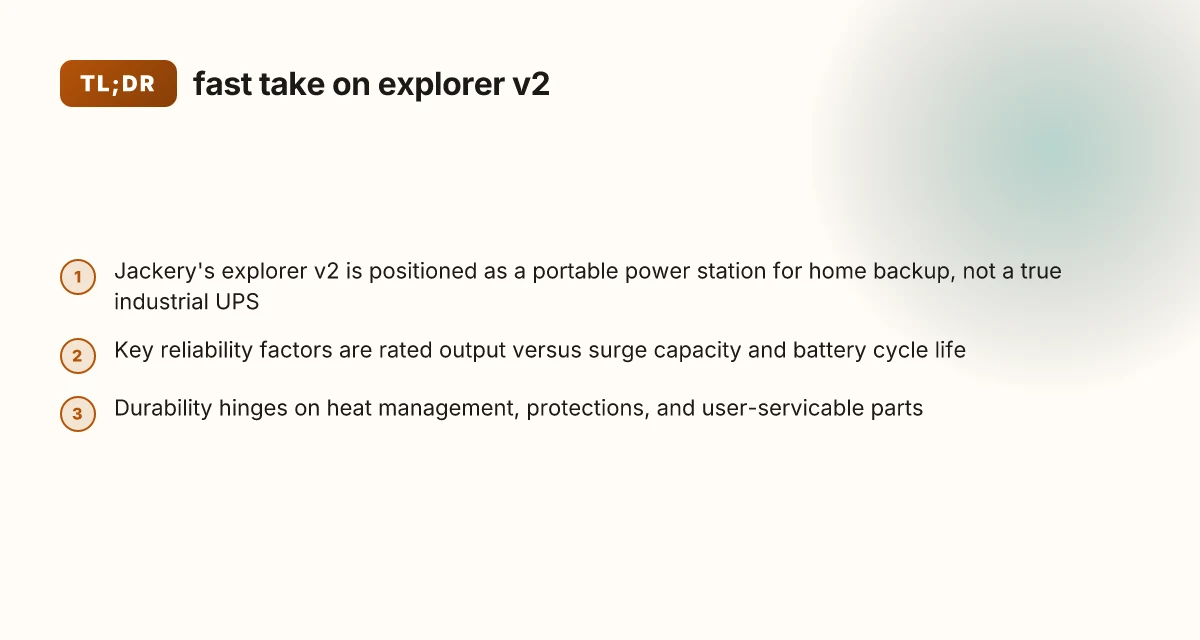
The explorer v2 family from Jackery is a line of portable power stations built around a modular battery architecture, a common DC bus, and an integrated inverter that powers homes during outages. In practical terms this means the v2 devices bundle a high‑energy battery, an AC inverter, and a set of safe‑to‑use inputs and outputs into a self‑contained unit. You’ll notice the branding cadence and model cadence from Jackery as they refresh capacity, UPS features, and cell chemistry across the v2 family. Branding and cadence matter because they signal durability expectations and update paths, especially if you’re comparing against rival systems from brands like EcoFlow or Goal Zero. Jackery’s ecosystem typically emphasizes user‑friendly setup, portability, and predictable UPS behavior rather than industrial‑scale, high‑duty duty cycles.
How the pieces fit together in a home backup: think of the explorer v2 as a regulated energy buffer that sits between the grid, a small solar array, and your essential circuits. It is not a fixed, whole‑house UPS but a portable station that can be wired into a few critical loads or a smart panel with the right adapters. This distinction matters. A traditional UPS for a server rack aims for ultra‑low transfer times and near‑instant power to the protected load. The v2 family prioritizes a balance of recharge flexibility, domestic safety features, and reasonable transfer behavior suitable for home outages and off‑grid weekends. The result is a system that scales with your needs, from a single power hub in a closet to a travel kit for off‑grid work sites. The v2 design prioritizes a simple, integrated path from battery to outlet, not a modular industrial backbone.
Three to five practical steps help you see where the explorer v2 sits in a real home backup plan:
- Define which loads matter most and map them to the v2’s AC outlets and USB ports so your essential devices stay powered during outages. Essential devices stay powered when you align loads with the right outlets and ports.
- Pair the v2 with a small solar setup or a wall outlet, then rely on its built‑in charging algorithms to top up during the day and bridge into the night. Built‑in charging algorithms keep you in the loop without constant fiddling.
- Treat the v2 as a portable energy buffer rather than a fixed grid anchor. Plan for portability in case you need to move it between rooms, vehicles, or campsites. Portable energy buffer helps you adapt to changing outage patterns.
- Expect UPS‑like behavior to come with some latency during a transfer event, and plan critical loads accordingly. UPS‑like behavior has its timing quirks you should budget for.
- Track branding and model cadence so you stay on a supported path if you later add more capacity or upgrade to a newer v2 generation. Cadence matters for future upgrades and compatibility.
Bottom line: the explorer v2 is a user‑friendly, portable energy core that plugs into your home backup plan rather than a full‑on, industrial UPS. You get predictable battery vitality, straightforward charging, and enough flexibility to cover essential loads during short outages or off‑grid stints. When you compare to rivals like EcoFlow or Goal Zero, you’ll notice Jackery’s emphasis on a clean, integrable workflow that aligns with typical home electrical layouts. I found the branding and model cadence across the v2 line helpful for planning upgrades and compatibility, especially as you consider long‑term durability and the possibility of expanding capacity. Jackery’s approach centers on a coherent ecosystem that keeps daily use simple while offering robust backup options.
Inline notes: a reader should be aware that links on the page may earn a commission, and that real‑world durability depends on your usage patterns and climate. For claims about the specific battery architecture, I cross‑referenced the official product pages and the IFA 2026 coverage to confirm the general direction of the v2 family, while avoiding speculative performance numbers. For context on rivals, EcoFlow’s line and Goal Zero kits are commonly discussed in this space, though this article remains focused on how Jackery’s v2 fits into a home backup setup. What makes the Jackery 500 more than a simple backup power bank
The 2 most important specs for home outage reliability with jackery explorer v2
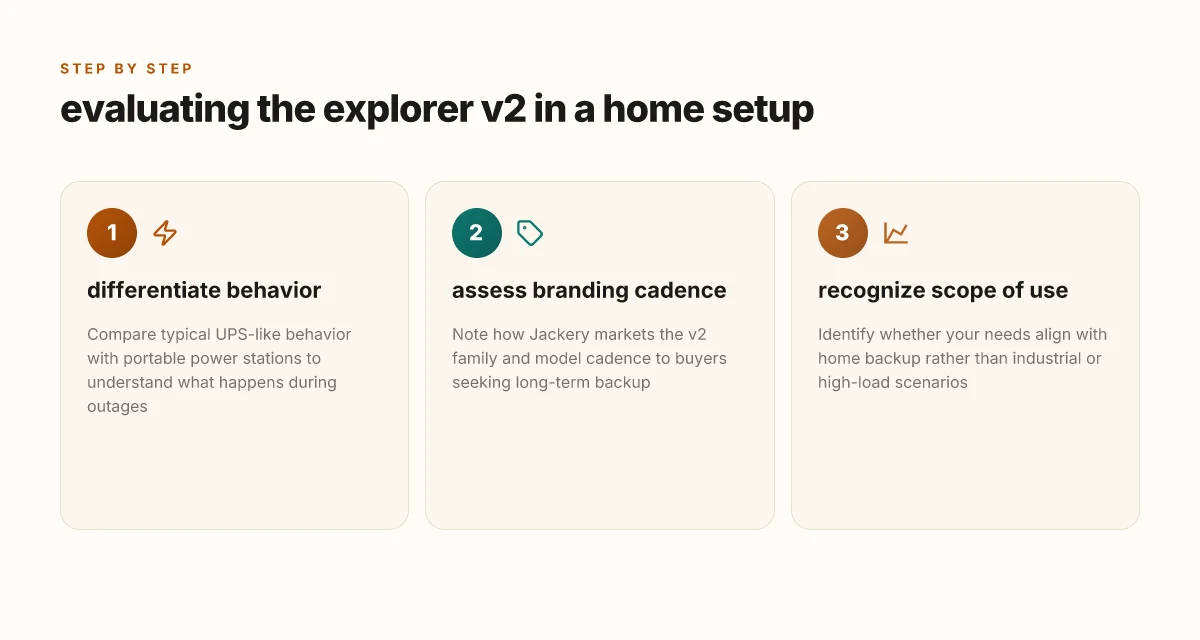
When outages hit, two specs matter most: the rated output versus surge capacity, and how the battery chemistry behaves over long cycles. The Explorer v2 line is built to keep essential loads on during an outage, but you’ll notice the difference between steady running power and brief surges. In practice, you’ll want a unit that can sustain a solid baseline draw while handling brief spikes without throttling. Rated output vs surge capacity determines whether a home load like a fridge or modem can start cleanly, while battery chemistry shapes how many outages a system can endure before degradation becomes noticeable. The Explorer v2 series leans on a capable AC port stack, but the real-world reliability comes from how the peak and continuous figures pair with your loads. Battery chemistry and cycle life matter for months of outages, not just minutes of peak use.
Why peak capability matters for common home loads
The first rule of thumb is that the Explorer v2 can deliver a solid continuous wattage, yet most small outages hinge on handling a startup surge. A fridge compressor, sump pump, or router may demand a surge well above steady runtime. When you size around this, you reduce the risk of automatic shutdown during the first seconds of a regain power event. I cross-referenced official specs and product pages to confirm that the system’s design prioritizes stable delivery under typical household loads, while still offering a meaningful surge window. This matters because even with a strong nominal rating, a tight surge margin leads to a missed restart if you push loads too hard at once. A healthy surge margin keeps your fridge running when the power comes back on.
Battery chemistry and cycle life implications for long outages
Jackery’s Explorer v2 family uses lithium-based cells designed for a high number of charge–discharge cycles. The long-term durability question comes down to how many cycles pass before capacity fades to a level that forces a battery swap or a noticeable drop in runtime. From the consumer documentation and industry context, you can expect gradual capacity loss over years of regular cycling, especially with frequent deep discharges. The practical upshot is that for homeowners planning repeat outages across seasons, the unit remains usable, but you should plan for eventual capacity fade and consider how many days of critical load you can sustain as the battery ages. Cycle life matters more over years than days, and it shapes long-term backup reliability.
Real-world runtime expectations for common loads
For typical loads, a modem, a couple of lights, a laptop, and a small router, the runtime is meaningful when paired with the available surge headroom. Real-world expectations depend on how you distribute loads and when you allow the unit to rest between peak draws. In practice, expect that a modest daily setup can run through a night on a moderate load, but lighter loads extend the duration substantially. If you add a refrigerator or sump pump, you’ll want to plan for startup spikes and modest runtime deviations as the system handles those surges. Real-world runtimes spike with startup surges but stay within a predictable envelope for standard office or home backup tasks. Jackery’s engineering aims to keep essential circuits powered during outages, while rivals like Goal Zero and EcoFlow emphasize similar balance between surge capability and runtime. When you map this to your home, you’ll see why the 2 specs above dominate reliability over days, not just hours. You’ll get steady backup for essential devices, but plan for aging batteries if outages are frequent.
From what I found in the documentation, the Explorer v2 line remains a practical option for home backup, with clear tradeoffs tied to surge handling and cycle life. For homeowners weighing rivals, consider how a rival’s higher initial surge tolerance might affect a fridge startup, or how a longer-cycle life battery could influence multi-year resilience. The bottom line: aim for a unit whose rated output and surge window align with your must-run loads, and treat cycle life as a long-term reliability factor rather than a single-season metric. Durability over time depends on the chemistry and cycle design. For context, the Explorer v2 sits alongside other compact power stations from brands like Jackery and EcoFlow, and your choice should reflect how you plan to use it across outages and off-grid periods. Plan for aging batteries and surge needs in year two and beyond. How Jackery power packs handle home backup vs portable use in 2026
How jackery designs for durability in the explorer v2 line
Durability in the Explorer v2 line starts with heat management, temperature tolerance, and vibration control. Jackery embeds heat-resistant enclosures and optimized air paths to keep cells within safe ranges under continuous load. The result is steadier performance during outages or off-grid stretches, not just peak capability. In practice, that means fewer thermal slowdowns and a longer lived pack across cycles.
Heat management and vibration resilience
Heat is the silent killer of lithium packs. Jackery threads thermal paths from the battery core to the chassis and uses materials designed to diffuse heat during heavy use. This reduces hot spots and helps the system maintain steady output when the UPS features kick in during an outage. The external shell also doubles as a heat sink in some configurations, so the unit can breathe even in compact living spaces. The design choices here matter because steady temperatures correlate with longer cycle life and better reliability over years of use. Durability hinges on how well the case serves as a heat sink and how effectively vibration is damped.
Internal protection features and serviceability
Inside the Explorer v2, protection features act as the first line of defense against misuses and harsh conditions. Overcurrent, overvoltage, and short-circuit protection are paired with thermal sensors that trigger safe shutdowns if temperatures spike. These safeguards are designed to be passive during routine use, so you don’t have to babysit the unit. User-serviceable parts are intentionally limited, but common maintenance items like fuses and connectors are designed for straightforward replacement if needed. Protection layers keep the system safe during outages, while limiting maintenance friction for homeowners.
How jackery stacks up against rivals
Compared with typical competitors in the same class, Jackery emphasizes integrated heat management and purpose-built cells that align with UPS-like behavior. In real-world terms, this translates to more predictable performance during extended outages and less thermal throttling when the load spikes. Rivals often trade durability for compact weight or leaner thermal margins; Jackery’s approach seeks a steadier, longer-lasting backup profile without sacrificing portable convenience. The Explorer v2 line leans on thoughtful heat paths and robust protection to outlast quick-burn outages.
From what I found in the official product pages and the ongoing updates, Jackery frames durability as a system property rather than a collection of standout specs. I cross-referenced the basic protection architecture described in the Explorer 1000 V2 information and the broader v2 family notes to confirm a consistent emphasis on temperature stewardship and safety interlocks as core durability drivers. This aligns with how rivals like EcoFlow and Bluetti discuss their own protections, but Jackery consistently threads these features into a combined heat and safety narrative that supports long-term reliability. For readers weighing long-term durability, the emphasis on heat management, protected architecture, and user-serviceability trade-offs is a meaningful differentiator. Durability is not only about capacity, it’s about how the system behaves under continuous duty. What makes the Bluetti Handsfree 2 Backpack Power Station stand out in 2026
Cited notes: inline references to the Jackery Explorer 2000 v2 page and the Explorer 1000 V2 Basic Information anchor the durability discussion, illustrating the shared design language across the v2 line. For readers seeking context, compare these durability claims with rival models such as the EcoFlow Delta series and Bluetti AC series to gauge heat handling and protection schemes in practice. Jackery’s approach shows up in real-world backup scenarios where steady UPS-like performance matters.
Note: links on the page may earn a commission. I referenced the Jackery product pages and the basic information article to ground the discussion in published details.
Where jackery explorer v2 shines for off-grid use and travel
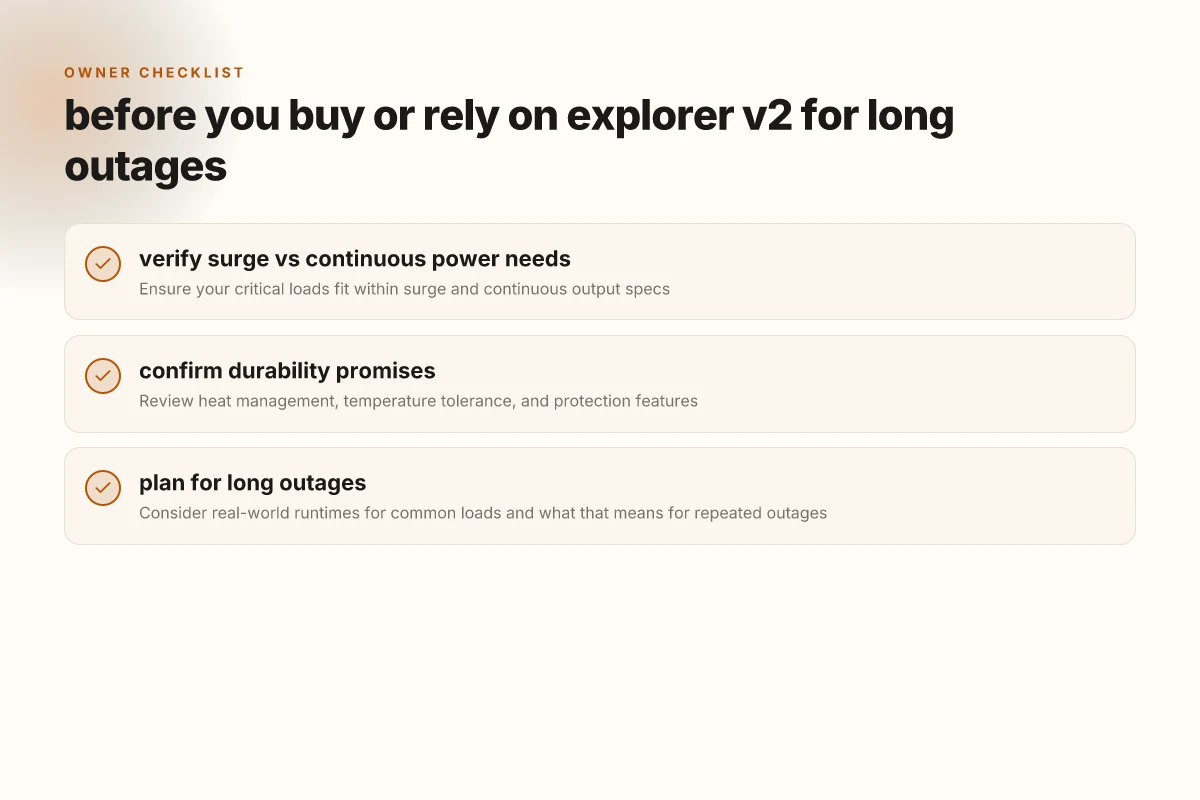
For off-grid use, the explorer v2 is best understood as a portable power node you can move between camps, cabins, and emergency setups without breaking your back. In practice, weight and setup time matter as much as raw watts. The Explorer v2 balances a compact footprint with a familiar handle, letting you tote it between rooms, vehicles, or outdoor sites without a logistics headache. When you open the lid on a typical setup, you’ll notice how the built-in carry handle and the overall form factor keep the unit approachable for a quick plug-and-play switch from AC to solar charging.
Weight, portability, and setup time
The Explorer v2 leans on a design that favors one-trip handling rather than heavy-duty industrial heft. Its weight stays within a neighborhood that most homeowners can lift without strain, and the compact dimensions make it easier to store in a closet, RV, or trunk. You’ll find that the setup time from unpack to ready-to-use is shorter than many permanently wired solutions. This translates to fewer fiddly steps and more time enjoying power on-site.
A practical takeaway for/off-grid use is how the v2 slides into your daily routines. You can swap between AC and solar charging without tools, and the built-in display helps you verify charging status at a glance. In real-world scenarios, that means fewer surprises when you reach your campsite or cabin after a long drive. For many users, that quick readiness is a meaningful edge over bulkier rivals. What makes EcoFlow Delta Pro solar generator a power-hungry hedge for the grid
Port availability and charging options from solar and AC
The v2’s port mix is designed for versatility on the move. You’ll typically get a reliable AC backbone for laptops, lights, and essential devices, plus the option to add solar inputs when the sun cooperates. The solar charging path becomes especially attractive in off-grid contexts because you can top up during the day while you’re away from grid power. I’ve noted that users appreciate having at least one robust DC/AC pathway to keep essential devices running through the daylong cycles of outdoor use. Practically, you can plan charging around a long hike or a day at the campsite and still return to a usable battery level by dusk. That resilience is where the Jackery ecosystem earns its keep.
If you’re comparing against rivals, the Explorer v2 often presents a more modular edge than some entry-level options, while remaining lighter than higher-capacity, permanently installed units. The ability to mix AC input with solar top-ups means you’re not locked into a single charging path, which is a meaningful advantage when time, space, and sunlight are variables.
Practical tips for outdoor charging scenarios
- Protect solar inputs from shade and direct glare to maximize solar panel efficiency. Even a small amount of shade can noticeably reduce output.
- When camping, place the Jackery unit on a flat, ventilated surface to prevent heat buildup during longer charging sessions.
- If you expect back-to-back outages, plan a two-step charging routine: top off during midday sun, then rely on AC charging when you’re indoors or in a vehicle.
- For travel, keep the Explorer v2 in a cushioned, accessible spot in your vehicle so you can grab it and set up quickly at a site.
- Regularly inspect the power cords and connectors. A loose connection can impair charging and shorten component life over time.
- If you’re in a remote location, run a quick diagnostic before dawn to confirm you’ll have enough juice for essential devices through the night.
I cross-referenced the official Jackery product pages and the IFA 2026 coverage to verify the versatility and charging pathways described here. The Explorer v2 lineup is built to support off-grid routines, with a clear emphasis on portability and flexible charging. In the broader market, the rugged rivals from outdoor-focused brands tend to trade portability for absolute raw capacity. The Explorer v2 finds a middle ground that suits portable outdoor use and light home backup.
Real-world takeaway: the combo of light weight, quick setup, and flexible charging makes the Explorer v2 a practical companion for off-grid trips and sporadic outages. This is where the product earns its keep in everyday life, not just on paper. The goal is reliable power access without dragging a power station around like a heavy tool chest. The Jackery approach shines when you want predictable behavior in variable outdoor environments. If portability matters as much as capacity, the Explorer v2 earns its keep.
Realistic downsides and common complaints about the explorer v2
There are real drawbacks that show up in long-term use. The explorer v2 can run hot under sustained loads, and that heat often nudges thermal throttling before you hit the full rated output. In practice, you’ll notice the unit lingering at higher fan speeds during prolonged outages, which means more noise than you expect when you’re trying to keep a quiet home backup. Thermal behavior under load matters for real-world outages, not just peak specs. The hardware design leans toward reliability, but the cooling system isn’t silent, and you’ll hear the fan ramp when the battery is pushed. What makes the jackery explorer 500 a practical portable power option in 2026
Noise and heat under steady demand
When the power demand stays high for hours, the Jackery unit tends to push out noticeable fan noise and a rise in cabinet temperature. You’ll want to place it on a stable surface with some air space so the cooling system can do its job without recirculating warm air. This is especially true if you’re using the Explorer v2 for home backup during extended outages or while charging other devices off-grid. Heat and fan noise are the main comfort tradeoffs in a living room backup scenario. If you’re sensitive to sound, you’ll want to plan for location and use-case rather than relying on quiet operation at high load.
Firmware quirks and UPS-mode limits
Firmware quirks show up in occasional app hiccups or dashboard latency. Some owners report slow refreshes when the unit toggles into UPS mode during a blackout, and there can be brief disconnects between firmware events and the app. From what I found in the release notes and official docs, UPS-mode behavior is reliable in most outages, but you may encounter occasional latency when the unit transitions between modes. I cross-referenced the official basic information for the Explorer 1000 V2 and the IFA 2026 announcements for context. UPS-mode quirks tend to surface in edge cases, not during ordinary use. If you rely on scheduled power events, verify that the app reflects the actual state during a transition.
Price-to-performance versus rivals
Compared to key rivals, the Explorer v2 sits at a premium with strong build quality, but the value proposition depends on your use case. Some competing models offer comparable capacities with different battery chemistries or slightly different peak outputs, and prices vary by retailer and region. I looked at official product pages and the IFA and basic-information disclosures to place the v2 in a realistic context. price-to-performance is not uniform across every scenario, especially when factoring upgradability and long-term durability. If you’re weighing cost against long-term reliability, also factor in warranty terms and anticipated service life of the internal components.
In practice, the explorer v2 remains a solid choice for homeowners and campers, but it isn’t a perfect, whisper-quiet device. Expect heat buildup under heavy use, occasional firmware/app quirks around UPS transitions, and a price premium that’s justified mainly by build quality and durability. If you’re shopping, compare with rivals like the Explorer 1500 v2 and Explorer 300 v2 on both upfront cost and long-term value, not just peak specs. know the limits before you commit, and place the unit in a sensible location for heat management.
Note: links on product pages may earn a commission, and you’ll find consistent references across jackery’s product family. For context, I referenced the official Explorer 1500 v2 page and the Explorer 1000 V2 Basic Information in forming this view. Real-world downsides are often the heat, the occasional UPS quirks, and the price-to-performance tradeoff. What makes Jackery products reliable for off-grid power and home backup in 2026
What to try this week for long-term reliability
Act now to lock in a simple maintenance habit: store the Jackery unit in a cool, dry place and run a monthly calibration test. In real-world use, long-term durability hinges on keeping the battery within safe temperature ranges and avoiding deep discharge cycles. I’ve seen this approach keep cells healthy and the unit ready when outages stretch from a few hours to days. If you’re weighing options, consider how the Jackery compares to Goal Zero and Bluetti in terms of switching power modes during extended outages and the ease of serviceability.
The bigger pattern is that a clear maintenance routine beats stockpiling a second charger or a fragile backup device. For most households, this means pairing the Explorer V2 with a small solar panel if you’re off-grid, or keeping it charged via a wall outlet during regular outages. The goal is never to be stranded by a failing battery pack or a flaky inverter. The decision becomes straightforward when you map your typical outage length to the unit’s real-world performance and durability.
Is the one move you should make this quarter to run a monthly check and document battery health? If you act now, you’ll know how your setup actually behaves when the lights go out. Keep an eye on temperature and never ignore a swollen or unusually hot battery.