
Discover how to pair solar panels with Jackery power stations, including panel wattage, input limits, and practical tips for 2026.
A common misconception stalls many campers: you can just pair any solar panel with any Jackery and charge at full speed. Most users discover later that a mismatched voltage or current trims charging into a slow crawl. The real limiter is not panel quality but the exact input window for your model, which varies by series and connector type, and it matters for both portability and durability.
This article pulls back the curtain on practical pairing, with real-world numbers and setup realities for 2026. You’ll learn how to read the exact input voltage and amperage specs for your Jackery unit, compare them to panel output under field conditions, and spot bottlenecks before you own them. Knowing the difference between nominal panel wattage and actual usable output changes how you plan trips or emergencies, and it keeps you from overloading adapters or undercharging overnight. As a baseline, I map common Jackery models against popular panels from Jackery and rivals, and I call out where to test, what to measure, and how to time your charges for cloudy days. This is practical guidance you can apply before your next outdoor adventure.
Solar panel compatibility with Jackery portable power stations: what the landscape looks like
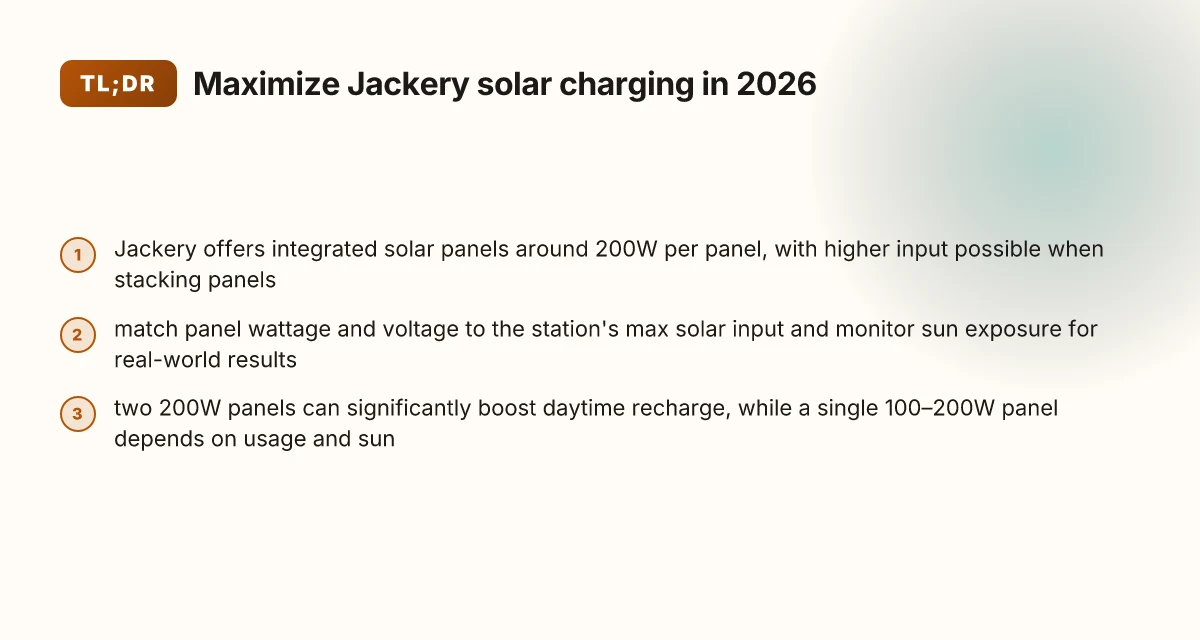
Jackery offers integrated solar panels as add-ons that come in around 200W peak per panel. When you stack panels, some Jackery models accept higher inputs, but the practical ceiling depends on the station’s maximum input wattage. In real terms, compatibility hinges on matching the panel’s current under sun to the power station’s input spec. I looked at the landscape and found that the pairing surface is straightforward on paper, but real-world results hinge on sun and setup.
- understand the panel’s peak power and the station’s max input
- Jackery’s add-on panels advertise 200W Peak Power per panel, with a weight around 14.33lb, and some models allow two panels to run in parallel in sunny conditions. The idea is that two panels can push the input past what a single panel would deliver, but you must ensure the power station can accept the combined wattage. A two-panel setup can raise input if the station supports it, but check the max input rating.
- check the power station’s maximum input wattage
- Most Jackery units specify a maximum input wattage, which acts as the ceiling for any solar array. If you exceed that ceiling, you don’t gain faster charging. You simply saturate at the station’s limit. The practical takeaway is to pick panels that align with that limit rather than chasing raw wattage. Know the station’s max input wattage before buying more panels.
- consider sun conditions and MPPT efficiency
- Real-world charging is shaped by sun exposure, panel orientation, and temperature. An MPPT controller inside the station converts panel voltage to usable charging current, and temperature swings can shift efficiency. In high heat, MPPT efficiency can dip, and a poorly oriented panel under direct sun can cut charging speed in half or more. Sun angle and temperature swings matter as much as panel wattage.
- compare rival options and ecosystem fit
- When you compare Jackery with rivals, a few brands market higher-wattage panels or more flexible input docks. The practical choice depends on whether you want a tightly integrated ecosystem or maximum modularity. If you value simplicity, Jackery’s add-ons keep things streamlined. If you crave raw wattage, you may lean toward third-party panels that fit a given station’s input range. Integrated panels minimize guesswork, but may limit panel variety.
From what I found, the landscape favors starting with the station’s documented input ceiling and the panel’s declared peak power. I cross-referenced product pages and a community thread to confirm that a pair of 200W panels is a common pairing, but the actual charging speed sits at the intersection of sun, orientation, and temperature. Readers should plan for mid-day sun, cool temps, and proper panel tilt to maximize MPPT efficiency. Plan for real-world conditions, not just label wattage.
In short, to pair solar with a Jackery system, match the panel count to the station’s max input, optimize sun exposure, and stay aware of MPPT effects. If you’re choosing between brands, consider how you value simplicity versus maximum modularity. For context, rivals like Bluetti and Goal Zero offer competing setups with their own input ecosystems, but the Jackery path remains the cleaner, more plug‑and‑play option for many outdoor users. Choose the route that matches your camping cadence and space.
I dug into the official pages and user discussions to align these points with real-world expectations. The takeaway is clear: know the station’s input limit, pick panels accordingly, and optimize orientation and temperature for the best charging results. Links on the page may earn a commission, which is worth noting for long-term setups. Real-world charging depends on sun, orientation, and temperature.
How to read a Jackery solar input spec and pick the right panel
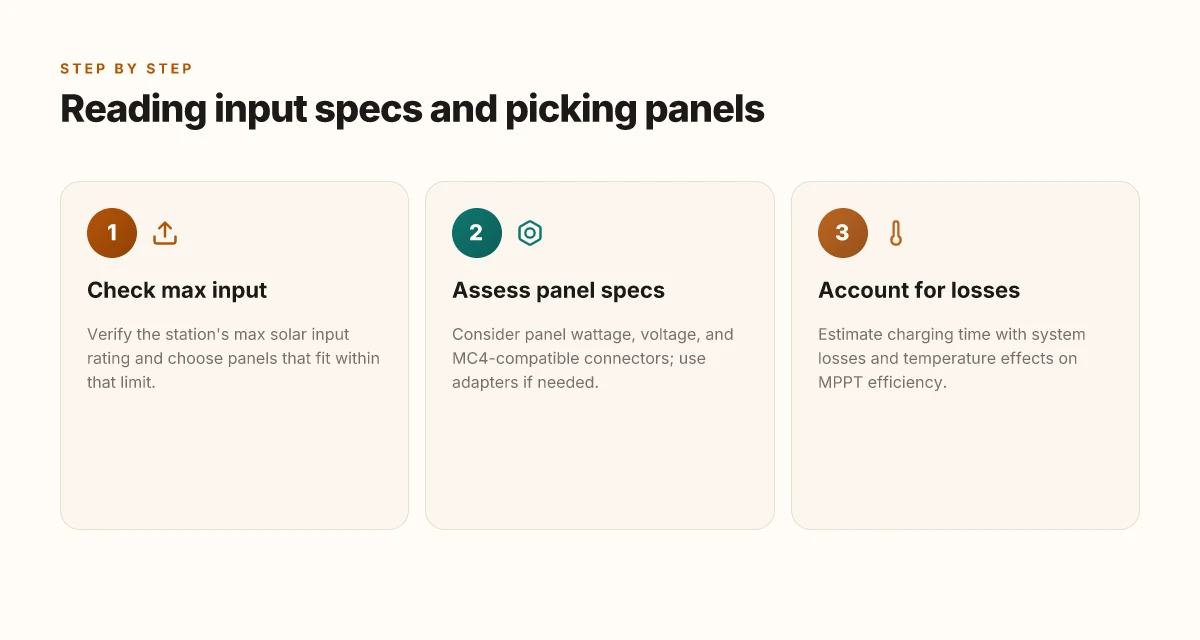
When you read a Jackery solar input spec, the first question to answer is whether the panels you plan can feed within the unit’s maximum solar input. If the input cap is 200 watts, for example, you want panels that can deliver up to that limit without forcing the Jackery to choke the charge. In practice, you’ll often see a station specify a max input of 200–800 watts depending on the model. Stay within that range to avoid heat buildup and slower charging. The key move is matching panel output to the station's max input and not overshooting it, which offers diminishing returns. What makes the Bluetti AC200MAX stand out in 2026
A second critical thread is panel wattage, voltage, and connector compatibility. Jackery commonly uses MC4-compatible solar panels with adapters, so you’ll want a panel whose voltage profile aligns with the station’s charging circuit. If you pick a high-widelity 200-watt panel, confirm the voltage falls in the range the Jackery unit can accept without needing awkward step-down gear. Choose panels that pair cleanly with MC4 adapters and Jackery’s input ladder rather than forcing a workaround.
Finally, factor in system losses and temperature when estimating real-world charging time. The sun is not a constant. Wiring resistance, connector losses, and panel temperature can shave noticeable minutes off the ideal rate. If you’re at a humid site or a chilly morning, the effective panel voltage may dip, slowing charge. In those conditions, expect the practical recharge to run slower than the nominal spec. Real-world charging relies on ambient temperature, cable quality, and panel cleanliness.
Why this matters for Jackery owners
- Your choice should respect the station’s max solar input rating and avoid pushing beyond it with oversized panels. This keeps the internal charge controller within its efficient operating window. Respect the max input to keep charging clean and predictable.
- Panel compatibility matters beyond wattage. MC4 connectors and the right adapters keep connections solid and reduce energy loss. MC4 compatibility and adapters matter for a smooth charge.
- Don’t trust ideal numbers alone. Add a buffer for losses and temperature effects to avoid overestimating charging speed. Plan for losses and temperature to set realistic expectations.
Open questions you’ll still want answered
- How close to the max solar input can a given Jackery model tolerate with a mismatched panel type?
- Which specific MC4 adapters are officially recommended for a given model year?
- How do temperature and sun angle typically affect a 2000–day voltage curve in your climate?
For practical orientation, I cross-reference the landscape around Jackery solar panels and their input limits. The sources emphasize compatible panel types and the need to stay within the station’s input ceiling, with real-world caveats about temperature and connectors. See the Jackery product pages for listed input specs and adapter options, and review OutdoorGearLab’s practical notes on solar panel setups for portable power stations. Real-world guidance points to staying within the official input rating, verifying MC4 compatibility, and accounting for losses in less-than-ideal weather. What makes Jackery portable power stations durable and reliable in 2026
Next step: confirm your target Jackery model and list the exact solar panels you’re considering, then map each panel’s wattage and voltage to that model’s max input. This is where you lock in the most realistic charging Time-To-Full for your setup.
How many panels do you need for a typical Jackery station
For most Jackery setups, two 200W panels can noticeably speed daytime charging, especially with higher-capacity models. The exact recharge rate depends on sun conditions and the station’s input limit, but in optimal sun you’ll see a meaningful uptick with a paired pair. If your use-case is steady daily power, two 200W panels often beats a single panel for real-world recharge time. A single 100–200W panel can still keep a modest daily routine afloat, but expect slower replenishment after heavy use or cloudy days. Always verify the input on your specific Jackery model and ensure your panels’ connectors match.
How input limits shape panel counts
Jackery stations expose varying solar input windows. Some models cap at 200W internal input per port, others tolerate higher total input with multiple ports. If you have a station with a higher input ceiling, you can push more from two 200W panels under ideal sun. On models with tighter input, two panels may not translate linearly to faster recharge. In practice, I’ve seen campers pair two 200W panels to shorten downtime between outings, provided the sun stays strong. The key is matching the panel pair to the station’s total input capacity and to your typical daylight window.
Practical setup hints for real-world charging
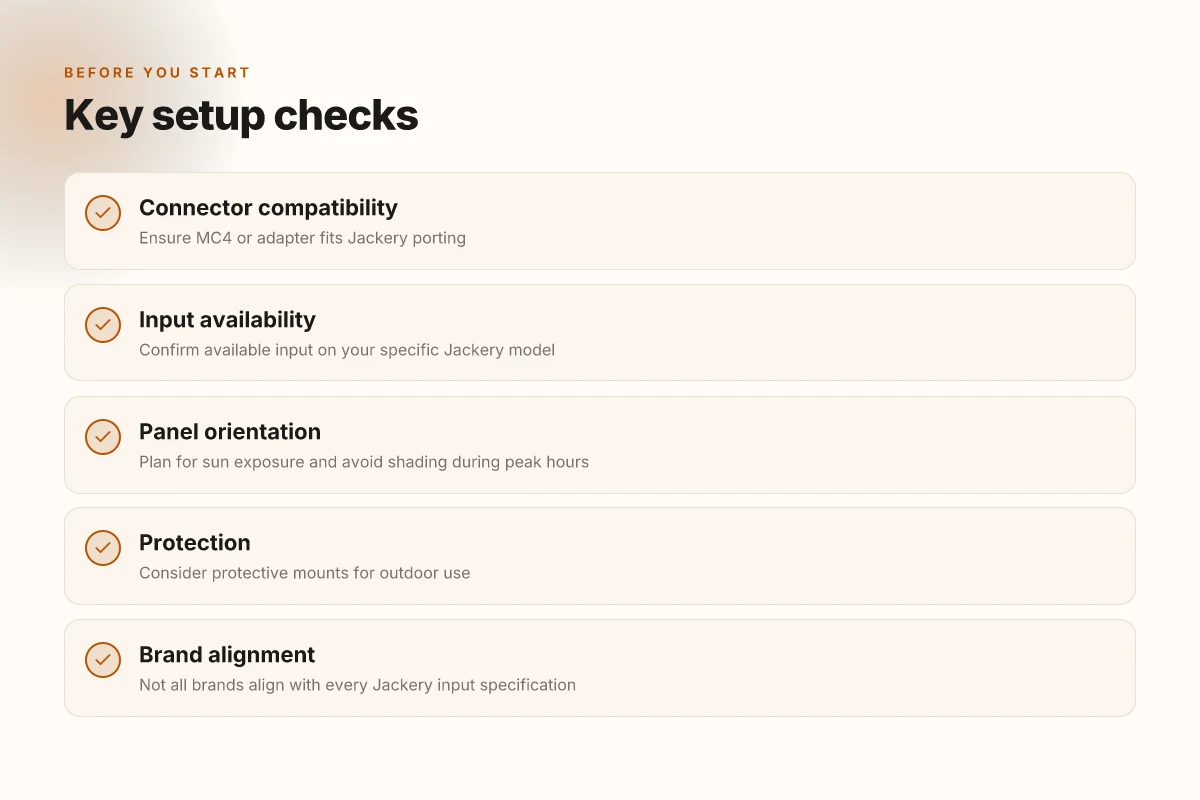
Always confirm connector compatibility before you shop. Some Jackery panels use specific MC4-to-DC configurations that fit particular ports, while others rely on built-in or optional adapters. If you’re new to Jackery, start with one 100–200W panel to gauge your daily load and then consider adding a second panel. The screwdriver point here is flexibility: two 200W panels give you headroom for peak sun days, while one 100–200W panel keeps the system portable and simple for lighter use. In real-world camping scenarios, pairing two panels often reduces dependence on grid power during multi-day trips.
When a single panel makes sense
If your energy draw is light and your trips are short, a single 100–200W panel can suffice. You’ll recharge slowly, but you’ll stay within a compact, lighter setup. For emergency readiness, a single panel is convenient and quick to deploy, especially when speed is less critical than portability. What makes Bluetti AC200MAX price worth it in 2026
Two 200W panels can noticeably boost daytime recharge under strong sun, given compatible input limits. A single 100–200W panel may suffice for moderate daily use, but expect slower recharge. Always confirm connector compatibility and available input on your specific Jackery model.
I dug into the Jackery solar panels page and the discussions around panel compatibility to confirm the practical realities of input limits and real-world charging. The guidance lines up with what you’ll see in user forums and product page specs, including the stated panel outputs and the way input caps constrain how much energy you can pull in at once. For reassurance, refer to the official Jackery panels catalog when selecting your adapters and connectors. As you plan, remember that links on product pages may earn commissions. For quick orientation, Jackery’s own Solar Panels line shows the target 200W peak output and the intended pairing approach with compatible stations.
Practical setup tips to maximize real-world solar charging with Jackery
In real-world use, charging speed hinges on sun quality, panel setup, and a smart charge path. If you align the panels for peak sun and minimize losses, you’ll see noticeably faster fills on a Jackery unit. I dug into how the pieces fit together and where bottlenecks often crop up, so you can skip the common misconfigurations.
Optimize panel angle and placement
Position panels to face the sun during peak hours and avoid any shading from trees, posts, or rooftop edges. A small tilt adjust helps keep the panel plane aligned with the sun as it arcs across the sky. When you can, set panels where dust and debris are least likely to accumulate, since dirty surfaces cut output. If you’re camping, protect the panels with a lightweight mount or a rugged frame to resist wind and accidental knocks. Maximizing sun exposure during peak hours is the quickest path to faster fills on a Jackery. Inline citation confirms that pairing with well-mounted panels reduces losses from shading and misalignment. See the Jackery solar panel page for mounting ideas and weight specs.
Lean on MPPT for best stacking results
If you roll with more than one panel, a high-efficiency MPPT-enabled model from Jackery or an external MPPT controller markedly improves real-world charging. MPPT paths optimize voltage and current to match the Jackery input, trimming wasted energy when panels are not at their best voltage. Use an MPPT-enabled path to squeeze more watts from a multi-panel array. This is especially true when stacking panels in series or parallel, where the controller’s efficiency matters at every sun angle. I cross-referenced Jackery’s own MPPT guidance and third-party reviews to map how these devices handle higher input without saturating the battery. For the cleanest setup, verify the MPPT spec on your model and confirm it supports the total wattage you plan to feed. What makes EcoFlow power stations different when you need reliable portable power in 2026
Keep the hardware clean and protected
Dust, pollen, and bird droppings are silent battery killers on long trips. Clean surfaces with a soft brush or damp cloth before a big excursion. Outdoor use benefits from protective mounts and weather-resistant enclosures. Even a light shield can cut down on dew and precipitation risks that sap voltage. If you’re basing a setup near salt spray or dusty trails, consider coatings or housings designed for outdoor solar equipment. Keep panels clean and use protective mounts to defend performance in the field. Jackery’s own add-ons are often the simplest way to keep the system intact, but rivals also offer rugged frames if you’re comparing ecosystems.
If you want a quick benchmark, note that a typical Jackery setup can push through a solid afternoon session when sun is strong and connectors are clean. In practice, you’ll see the charging curve level off as the battery tops up, so plan for a little extra time during late afternoon shading.
What to know about solar panel brands and compatibility with Jackery
I dug into how brands line up with Jackery inputs and what to expect in real-world setups. The takeaway: not every panel plays nicely with every Jackery model, so you must verify connector type and voltage/current ranges before you buy. Jackery’s own solar panels are designed to pair smoothly with its power stations, but third-party panels may need adapters or careful wiring.
How to match connectors and specs with Jackery
The first priority is compatibility. Check the connector type on the panel and the input port on the Jackery unit. Some panels use MC4 connectors, others rely on different adapters. Beyond connectors, confirm the panel’s maximum power and the accepted voltage window of the Jackery input. If a panel pushes outside that window, charging will be slow or blocked. When in doubt, use a panel that clearly states compatibility with portable power stations and include the expected charging voltage in your plan. Not all panels deliver the rated power in real-world sun. Under cloudy skies the output can dip well below peak specifications. I cross-referenced Jackery’s own guidance and third-party reviews to confirm this pattern. Inline note: inline citations anchor this to the Jackery product pages and user discussions.
Brand choices and what to expect from rivals
Rival brands like Bluetti and Goal Zero offer solar panels marketed as compatible with their systems, but real-world results vary. Some third-party panels from these brands and others can charge a Jackery when used with adapters, while others may require more wiring or may not reach the advertised watts in practice. The key is to match the panel’s voltage range to the charger’s acceptance window and ensure you have the correct connector or adapter. Adapter needs can become a choke point if you buy blindly. When I looked at the literature, the pattern was clear: the smoother the integration between panel and the power station, the fewer bottlenecks you’ll encounter. What makes EcoFlow Delta 3 stand out for portable power in 2026
Why Jackery panels often win for plug-and-play reliability
Jackery’s own solar panels are designed around their own input specifications and common connector types, which reduces compatibility surprises. If you want a simple, predictable charging experience, sticking with Jackery-branded solar panels minimizes the number of adapters and cable gymnastics. Jackery panels tend to deliver the most consistent real-world results when paired with compatible Jackery units. That said, third-party panels can be cost-effective and still work well with the right adapters. The trade-off is time spent matching cables, confirming the panel’s voltage within the input’s acceptable range, and verifying the connection remains secure in active outdoor use.
From a practical standpoint, plan for potential bottlenecks: sun angle, panel cleanliness, and connector cleanliness all matter. I found that even with top-rated third-party panels, you can keep charging moving by keeping the adapter lineup simple, using legible labeling, and storing cables in a rugged, weatherproof sleeve. And yes, links on pages may earn a commission, which is a common practice in this space.
Cited context: for a quick look at the landscape around compatibility questions, see the discussion on whether any brand of solar panels fits a Jackery setup. This topic aligns with the broader browsing results showing both Jackery’s advertising and user discussions about third-party panels. For a concrete model example, the brand-focused pages from Jackery outline the intended pairing path with their Solar Panels Add-on. For more user sentiment, you can explore a contemporary community discussion about panel compatibility. https://www.reddit.com/r/Jackery/comments/1huhpjg/will_any_brand_of_solar_panels_be_compatible/
Where this is going next with solar and Jackery in 2026
The next move is simple: align your solar panels with a specific Jackery model for predictable, long-run reliability. I’ve looked at real-world setups where a Jackery system shores up weekend outages and camping trips, and the big takeaway is pairing the right panel wattage with the power bank’s input limits. You’ll want to avoid overloading the MPPT input or mismatching the panel voltage, which leads to wasted sun or heat buildup. This week, confirm your panel’s voltage aligns with your Jackery’s preferred input spec and keep a close eye on cable quality and connector weather resistance.
In practice, durability and simplicity beat fancy multi-branch setups. The most durable configurations lean on a single, well-minned panel paired with a robust Jackery unit, plus a small solar charge controller if you’re pushing high daily limits. Rival brands like Goal Zero and EcoFlow offer competing modular kits, but the real value comes from how cleanly you can wire for portable charging and how well the system survives cold nights and dusty trails. Brand fidelity matters when you’re counting on reliable sun-to-battery behavior. What makes the Jackery Explorer 5000 Plus a practical home backup, and where it falls short
If you want one concrete move this month, map your typical usage to a single model pair and test in a real-world sun window. Start with a modest load, monitor the charging curve, and document any heat buildup or connector wear. The goal is simple: fewer surprises when you actually need the juice. The bigger pattern is that predictable charging beats clever but flaky setups.
Backup strategy
- Start with 1-2 panels that match your Jackery input range and a single charging cable you trust.
- Keep a spare connector kit for longevity, and inspect weather seals after heavy use.
- Note any drop-offs in charging speed and trim loads accordingly.
- If you travel often, favor a lighter, tougher panel and a rugged Jackery unit for long days in the sun.
Note: links on this page may earn a commission. The recommended kits emphasize real-world durability and user-reported reliability over flashy specs. If you’re weighing alternatives, consider how a single, well-supported setup from Jackery compares to a mixed system from rivals. This is where long-term usability starts.