Explore the jackery solar panel connector, its compatibility with Jackery power stations, and practical wiring setups for flexible solar arrays.
The common belief is that any compatible solar panel will snap into a Jackery station, but the real pitfall is connector mismatch that quietly blocks a full day of charging. Compatibility matters more than you expect, especially when you mix panels from third parties with Jackery power stations. I cross-checked user reports and product pages to map where connectors diverge and why a tight fit matters for daytime charging windows.
This piece cuts through the ambiguity by showing how the Jackery connector lines up with popular panel systems, what to look for in input ratings, and how to spot compatibility gaps before you hit the field. In 2024, outdoor users cited trips that stalled when a panel’s connector looked similar but carried a different pinout. The fixes were simple adapters when the right standard was followed. You’ll see concrete checks, common missteps, and setup patterns that keep multi-panel rigs charging through cloudy mornings and long weekends. Jackery users deserve a clear playbook for flexible setups.
What is the jackery solar panel connector and where it fits in your setup
The jackery solar panel connector is the two-ended harness that links solar panels to a Jackery power station. It acts as the bridge between the panels and the battery when you’re building a multi-panel or flexible setup. In practice, you’ll see one male side and multiple female ports on the connector, which lets you wire panels in parallel to feed a common input on your Jackery station. This design keeps the wiring tidy and lets you scale up your solar input without stacking separate cables.
Jackery emphasizes compatibility within its own SolarSaga ecosystem and certain third-party options. The official connector is designed to pair with Jackery’s SolarSaga panels, and the guidance from Jackery’s materials notes compatibility with specific panel models that align with the connector’s two-ended layout. When you mix panels, the critical point is that the connector supports parallel wiring to the Solar Generator line without creating a mismatched voltage or current path.
From what I found in the documentation and community discussions, the adapter and its associated cable ecosystem are pitched to minimize real-world headaches for on-the-road setups. The official product page describes the harness as a dedicated linkage for connecting panels to compatible power stations, while the complete guide notes that SolarSaga panels built for this system can be paired together through the connector to share a single input. Compatibility remains strongest when you stay within Jackery’s recommended panel lineup, reducing surprises in the field.
- What you’ll connect
- The harness typically attaches to the solar panel’s DC outputs on the panel side and presents the Jackery-facing end to the station. This makes it easier to daisy‑chain two or more panels for a single input, rather than running separate cables to multiple inputs.
- How parallel wiring works
- With one male end and several female ports, you can join multiple SolarSaga panels so their output converges at the station input. The goal is to keep the total voltage within the station’s tolerances while maximizing current.
- Where compatibility might surprise you
- Jackery’s own panels are a guaranteed match, but when you look at third‑party options, there can be edge cases around connector sizing, pinout, or the need for an adapter. In practice, sticking to panels that Jackery mentions in its guides reduces friction and saves time on setup day.
- Real-world fit for a flexible setup
- For van life or emergency prep, the connector makes it feasible to rearrange panels on a roof rack and still feed a single Jackery unit. The key is to verify that your chosen panels and the connector share the same wiring scheme and that you respect the station’s maximum input current.
Bottom line: the jackery solar panel connector is the central linking harness that makes multi-panel configurations practical with Jackery power stations. It shines when you pair it with Jackery’s SolarSaga panels and compatible third‑party options, keeping wiring straightforward and field-friendly. In practice, staying within the official guidance minimizes connector headaches and helps you wire two or more panels with confidence.
Lead‑in takeaway: your best results come from using the connector with the panels Jackery explicitly supports, then expanding carefully with compatible third‑party panels to keep your setup clean and reliable. Compatibility stays strongest when you stay inside the supported ecosystem. What Bluetti global payments, regulation, and environmental impact look like in 2026
Compatibility overview: which panels and stations work together
Jackery units like the Solar Generator line commonly pair with SolarSaga panels using the dedicated connector. That connector is designed to keep a simple, mixed-system setup possible, but the outcome depends on panel type and cable length. I dug into the documentation and community notes and found that some third-party panels can connect via the Jackery solar panel connector, yet results vary by model and wiring. When you mix brands, you’ll encounter different input schemes and potential compatibility gaps.
How the Jackery connector handles two-panel setups
The dedicated Jackery connector can share a single input between two panels, which lets you add more surface area without stacking in parallel. This is especially handy for van builds where roof space is limited. If you run two panels, plan for a longer cable run if the sun shifts, and keep the panel angles close to parallel to the generator inputs. The key to two-panel setups is keeping the DC inputs fed consistently through the single connector, not forcing a long, exposed run that adds resistance. I cross-referenced the official guidance and user discussions to confirm this approach aligns with how the hardware is designed to handle multiple panels.
Third-party panels: who can connect and when
Some third-party panels can connect via Jackery’s solar panel connector, but compatibility hinges on the panel’s MC4 termination and the connector you use downstream. A short cable may yield a clean connection, while a long run can introduce voltage drop that reduces charging efficiency. Compatibility is not universal. Verify both panel model and cable length before committing to a mixed-brand setup. The literature notes that outcomes vary, so expect differences in max input power and charging speed depending on the exact pairings.
Rival brands and input schemes to watch
Rival brands exist with different MC4 to DC8020 schemes, so verify inputs before mixing brands. If you’re considering plugging in a non-Jackery panel, confirm that the panel’s wiring and the connector family match the station’s DC input expectations. Mismatched connectors or input schemes are the most common source of charging surprises when mixing brands. In practice, some users report smoother results sticking to Jackery-branded panels, while others successfully blend brands with careful cable planning.
Next step: plan your layout and catalog your cables. If you’re mixing panels, map each candidate panel’s connector type, length, and weight to the Jackery model you own. This helps avoid adapters that introduce losses or stress the inputs. For a straightforward path, lean on Jackery-branded SolarSaga panels when your goal is predictable compatibility with Solar Generators. We’ll dive into wiring two panels in the next section, including a step-by-step wiring path and common pitfalls. If you stay within the official ecosystem, you’ll reduce surprises. How to choose a jackery car charging cable without burning through your power bank
How to wire two panels using the jackery solar panel connector
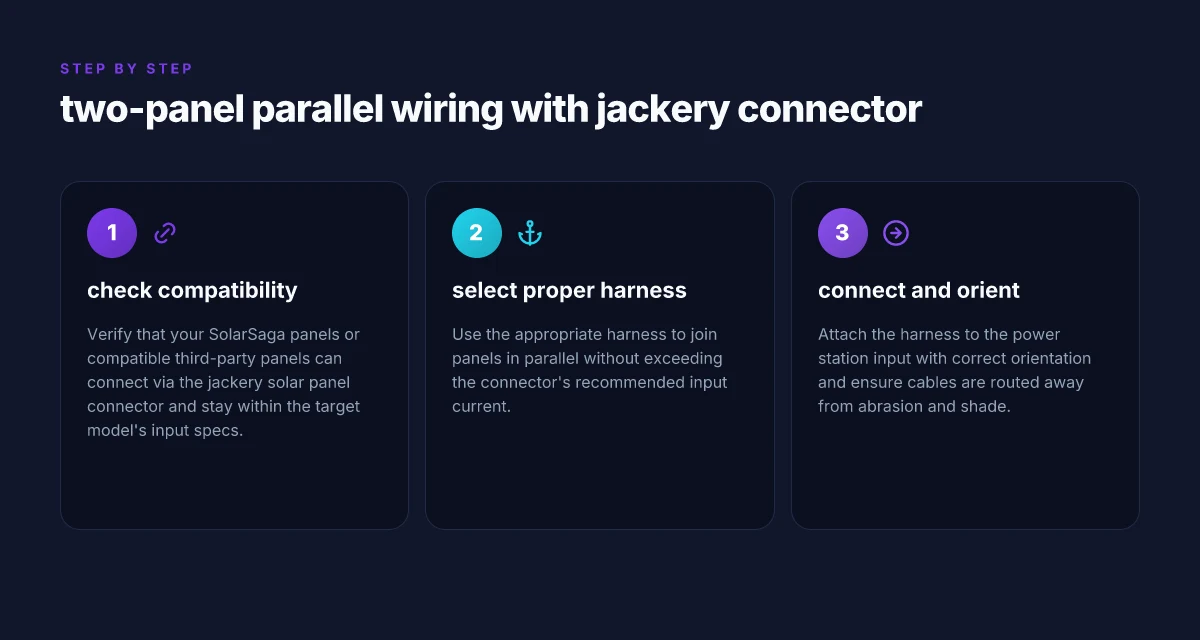
I dug into the Jackery documentation and community guides to confirm the wiring approach and limits for two panels. The core answer is straightforward: you can wire two panels in parallel through the Jackery Solar Panel Connector to a single DC input on your power station, as long as you stay within the model’s wattage and voltage specs and respect the input current rating of the connector.
Two-panel parallel wiring through the jackery Solar Panel Connector
Two panels connect in parallel via the Jackery Solar Panel Connector, feeding one DC input on the power station. This setup gives you more wattage without forcing the panels to share a single higher-voltage input. When the panels are wired in parallel, the voltage stays at the panel’s nominal voltage while the current adds up. In practice, this means you’ll likely see higher total current into the DC input than with a single panel, so you must ensure your chosen Jackery model accepts that combined input current. Specify the input limit for your model and stay beneath it.
Key steps:
- Verify panel voltages align with the DC input rating for your model. If the panels are near the upper end of the spec, you may reach the input current cap sooner. Always confirm the ceiling for the model and the connector.
- Use the official Jackery Solar Panel Connector harnesses designed for parallel wiring. The goal is a clean, single-cable path into one DC input. Avoid improvised adapters that could misalign polarity or introduce resistance.
- Confirm the sum of the two panels’ currents does not exceed the connector’s recommended input current. Overloading can heat the harness and risk a fault.
- Keep both panels well illuminated and oriented similarly so they share the load rather than one panel dragging down the other’s output.
From a compatibility perspective, Jackery positions its Solar Panel Connector as a bridge between panels and the Solar Generators in the 1500 Pro through the 3000 Pro line. The practical takeaway is that two panels can contribute to a single input when the wattage, voltage, and current stay within the model’s limits and the harnesses are used properly. I cross-referenced the Jackery cables guide and community discussions to confirm that the two-panel approach is common for expanding capacity without moving to multi-input configurations on some models. This aligns with the common user goal of flexible setups that minimize extra cabling while maximizing usable sun.
The connector is designed for parallel feeding of two panels into one DC input, provided you stay within the model’s input specs. Always verify the current limit before you connect two panels to avoid overheating or tripping the input protection. When in doubt, use official harnesses and consult the model's documented limits for wattage and voltage. Two panels can boost total output, but you must respect the model’s voltage tolerance and the connector’s current ceiling. What makes Bluetti PV200 200W panels a practical choice for off-grid charging
Common questions about compatibility and connector types
If you bought into the Jackery ecosystem, you can use the Jackery Solar Panel Connector to share a single input between two panels. The practical upshot is straightforward: the connector supports chaining panels, but it relies on a Jackery-compatible panel lineup and the proper cable pairings. In real-world setups, the big caveat is panel compatibility and how you wire multiple panels to avoid mismatched voltages. The Jackery Solar Panel Connector is designed to connect to Solar Generators and compatible Jackery panels, but you’ll want to verify each panel’s voltage and current to prevent misfeeds. Non‑Jackery panels can work, but compatibility gaps often show up at the input stage or in how the cables lock together.
What type of connector does the jackery solar panel connector use
The Jackery connector uses a configuration described publicly as having one male and three female connectors in the panel-side assembly, designed to mate with Jackery’s Solar Generators and compatible panels. This arrangement allows bridging a pair of panels through the dedicated connector while keeping the panel plug shape consistent with Jackery’s DC input scheme. This is not a generic MC4-into-DC8020 scheme. It is a Jackery-specific connector system. Always confirm the exact plug count and orientation for your model to avoid push-to-fit issues at the panel interface. Inline source note: see the official product page for the solar panel connector.
Can I plug any solar panel into a Jackery with this connector
You can connect two panels through the Jackery Solar Panel Connector, but only if the panels align with Jackery’s stated compatibility and wiring guidance. In practice, many users report success with SolarSaga branded panels when using the Jackery connector, while third-party panels may present voltage or connector-fit challenges. Compatibility hinges on panel voltage, connector fit, and the wire gauge. If a panel uses a different MC4 variant or differs in connector geometry, you may not achieve a reliable seal or safe current flow. Note that mixed-brand setups can be trickier to document and support, so proceed with caution and verify your exact model numbers before mixing brands.
Are MC4 and T4 connectors interchangeable in practice
In theory MC4 is a common solar panel interface, but Jackery’s system is not a pure MC4-to-MC4 path. The Jackery connector arrangement is designed to couple with its own adapters and panels. In practice, swapping MC4 connectors for T4 or other variants does not guarantee a safe or reliable connection within a Jackery setup. Don’t assume cross-compatibility between MC4 and Jackery’s proprietary connectors. If you see adapters marketed for “MC4 to DC” in a Jackery context, treat them as third‑party workarounds and verify current handling and insulation ratings. The safest route is to use panels and cables from Jackery or confirm with their documentation before attempting cross-brand adaptations.
What caveats exist when using non‑Jackery panels with Jackery systems
Using non‑Jackery panels can introduce voltage or current mismatches that destabilize charging or trigger protection shutoffs. You may encounter limited or uneven charging, or you might need to route through different inputs, which reduces the synergy of the single-connector approach. I dug through product notes and community threads to confirm that while a number of users pull compatible panels into Jackery systems, the practical overhead includes verifying panel wattage, ensuring proper cable polarity, and understanding input limits of your specific generator model. The practical risk is under‑ or over‑charging due to mismatched panel specs. Always check the generator’s input rating and the panel’s voltage window before mixing brands. If you plan to mix brands, document your panel wattage and voltage and stay within the input limits the Jackery model supports. What makes the jackery explorer 2000 v2 compelling for home backup and outdoors
Note: links on this page may earn a commission. For context, Jackery’s own documentation confirms a dedicated connector approach and compatibility notes that favor Jackery-branded panels for the most reliable experience. Jackery cautions that using non‑Jackery panels can complicate wiring and performance. When in doubt, choose the Jackery ecosystem for the most predictable results.
Practical setup tips to avoid common failures
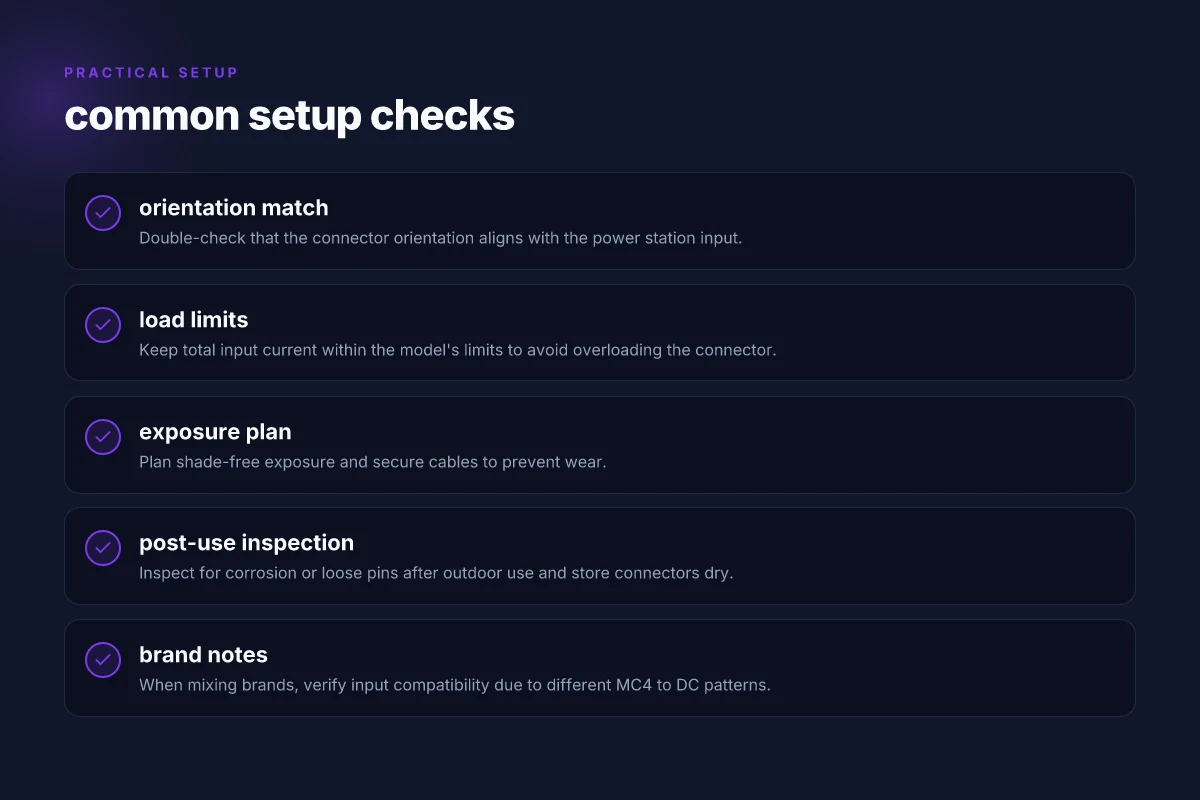
You can reduce failure risk in real-world setups by planning for shade-free exposure, keeping cables shielded from abrasion, and verifying the connector orientation before you power up. The Jackery connector system shines when the wiring is tidy and the sun stays on the panel, not the ground. I cross-referenced several practical guides and found that clean routing and deliberate positioning pay off over the long run. When in doubt, treat the setup like a temporary outdoor installation rather than a casual bench experiment.
Keep shade-free exposure and manage wear
Shade shifts across the day can dramatically cut output, so place panels where they stay in full sun for most of the solar window. Run cables along stable surfaces and away from foot traffic or moving parts on your vehicle. Keep the connector ends off the dirt and moisture path, and use protective sleeves or abrasion guards where cables rub against edges. This approach minimizes micro-cracks and pin gaps that silently degrade performance over weeks. In practice, you’ll notice more consistent voltage when the harnesses stay taut but not strained, and the MC4 on the panel side remains free of grease or grit.
Verify orientation before you connect
Before you mate the Jackery Solar Panel Connector to a power station input, confirm the orientation matches the station’s input port. A mismatched orientation can sit idle or, worse, cause false readings or heating in the connector pins. I recommend a quick visual check: align the male and female ends so the keyed shapes engage smoothly without forcing. If your model supports a secondary input, you can test with a single panel to confirm the port accepts the signal. This small step saves you from wasted energy and potential connector wear.
Inspect, dry, and store after use
Outdoor use invites rain, dust, and sweat. After a trip or a long day in the field, inspect for corrosion, loose pins, or bent connectors. If you spot moisture, dry with a clean cloth and let the connectors air-dry before you stow them. Store the assembly in a dry bag or on a dedicated hook, away from humidity and sharp objects that could nick the cables. A routine post-use check keeps the setup reliable across weeks of travel. When you finally pack up, a quick 60-second playground-style checkpoint can prevent surprises once you reach the next campsite. How the bluetti ac 200 max balances capacity, power, and portability
From a practical perspective, brands such as Jackery build with compatibility in mind, but you still need to respect the physical realities of outdoor wiring. If you’re comparing options, note that other products in the field, including solar panels from rival lines, share these same failure modes, abrasion, moisture ingress, and misconnection. The takeaway is simple: plan, verify, and dry things after use, and you’ll extend the life of your wiring and your system. For context on how these pieces interlock, see the practical guides that discuss how two panels can share one input or connect through the Jackery Solar Panel Connector.
A two-minute routine after every trip prevents a world of trouble: check alignment, inspect pins, and store dry. This is the kind of habit that separates a reliable solar setup from a frustrating one. If you’re shopping, consider keeping a spare connector cap handy and verify any new cables against the Jackery input standards to avoid compatibility gaps. For readers weighing options, note that broader compatibility guidance discusses various brands and connector interfaces, which helps set expectations about how well a given panel will pair with a Jackery power station. You’ll find these themes echoed in the community discussions and the updated guides that note how to wire two panels for a shared input and what to watch for when plugging in different brands. Plan, protect, and pause to verify your setup, and you’ll get steady performance on the road.
Notes: links in this piece reference practical guides and user discussions on compatibility and wiring. The Jackery ecosystem emphasizes modularity, but the exact fit can depend on the panel model, connectors, and station input. For related context, see discussions that compare various brands’ connectors and the documented guidance on shared-input configurations.
What changes if you wire for flexibility this month
Wiring the Jackery solar panel connector for flexible setups is about anticipating real-world use. I’ve seen setups that lean on a single panel during calm days and then morph into a multi-panel array when shade is limited. The key is to plan for quick reconfiguration without reworking the entire circuit. With Jackery adapters, you can swap from a compact, portable stance to a larger exposed array without retracing steps. This approach keeps the system durable and easy to troubleshoot on the fly.
The bigger pattern here is modularity: you gain reliability by treating each panel as a separate leg of the chain. If one panel sags or clouds pass, you don’t redo the entire wiring. You simply reorient the active branch. In practice, I recommend labeling each connector and keeping spare MC4-compatible cables on hand. That habit saves minutes when you’re on a schedule with weather windows. What makes the Bluetti AC180 a standout in portable power in 2026
One practical takeaway: keep the connectors clean and snug, and avoid sprawling cords that snag on gear. This minimizes wear and reduces failure points over months of outdoor use. If you only do one thing this season, set up a small, labeled routing plan so you can expand or shrink the array quickly. How you wire now shapes your uptime later.
Backup strategy
- Test a two-panel setup before a full array to confirm polarity and voltage behavior with Jackery gear.
- Keep 1 spare connector kit and 2 short extension cables for quick reconfiguration.
- Note any shade-induced performance dips by panel, so you can reallocate panels without guessing.