
Explore the Jackery Explorer 5000’s capabilities for home outages, including capacity, output, safety features, setup tips, and how it stacks up against rivals.
The Jackery Explorer 5000 isn’t about withstanding a storm of watts. It’s about sustaining daily essentials when the grid fades in and out. In real outages, it’s the dependable backbone for critical loads, with high capacity that keeps lights, modem, and fridge running longer than you’d expect. Most outages end up percent-driven by load management, not supply limits, and the Explorer 5000 makes that balance clearer.
This intro shows where the device shines and where to watch your expectations. You’ll see how its 5000Wh-class energy reservoir pairs with a practical AC + USB-C mix for real homes, and how charging strategy matters during multi-day outages. It matters because homeowners face extended blackout scenarios, not the few-hour tests you see in ads, and this article lays out the practical tradeoffs you’ll encounter with Jackery and its rivals, EcoFlow and Bluetti, in the same room. Setting up the right charger routine can stretch runtime by hours, a key point you’ll want before you buy.
What makes the Jackery Explorer 5000 a strong choice for outage scenarios
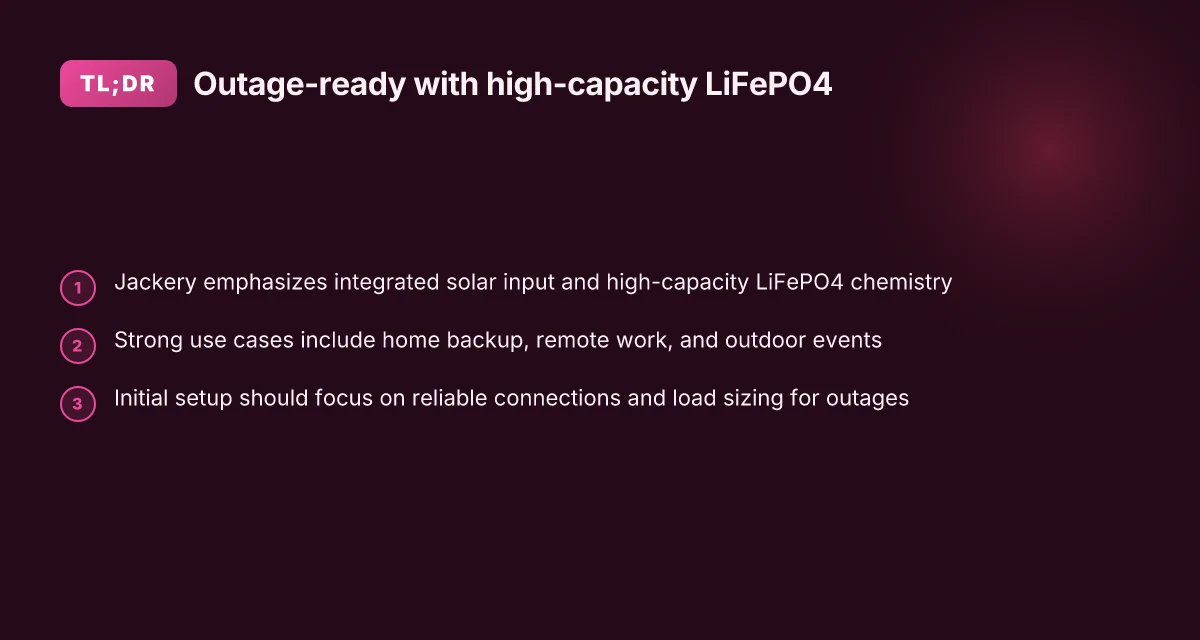
Jackery leans into integrated solar input and high-capacity LiFePO4 chemistry to deliver a system built for reliability during outages. The Explorer 5000 line pairs a large, expandable energy reservoir with solar charging paths designed for weekend outages and longer emergencies. In practice, that means you can run essential loads with a buffer for cloudy days, while keeping maintenance simple and predictable.
Solar-first design that stays ready I dug into Jackery’s documentation and product pages to confirm how solar input is framed for these units. The core idea is to couple a sizable LiFePO4 battery with a solar charging path that scales with panel area. The philosophy is to keep the battery within a stable, durable chemistry while leaning on PV input to top up between outages. The result is a system that tends to stay in the usable sweet spot longer than non-LiFePO4 chemistries under similar charge routines. Jackery’s emphasis on solar input paired with LiFePO4 chemistry translates to calmer outages when sun is available. Jackery also highlights modular expansion potential via compatible panels and accessories, which helps tailor a setup to your local sun profile and space.
Real-world use cases: home backup, remote work, and outdoor events For home backup, the Explorer 5000 shines when you want a high-capacity, quiet power source that can run critical loads during a grid fail. When you shift to remote work, the unit’s quiet operation and long-duration charge cycles offer a window of continuity for essential devices. Outdoor events benefit from portability combined with sufficient runtime for lighting, fans, and AV gear. The common thread is predictable power delivery with a battery that tolerates repeated on-off cycles without significant wear.
Initial setup to maximize reliability The upfront plan matters as much as the hardware. Set up should center on a thoughtful pairing of solar input with your expected outage window, so that the battery remains near 100 percent when the grid returns. Place the unit in a shaded but accessible spot to avoid heat build-up, which can impact efficiency and battery life. For most households, running a tested load profile that mirrors critical loads helps ensure the system stays within its comfort zone during a real outage. A deliberate initial layout, solar orientation, correct panel pairing, and a load-prioritized plan, drives reliability. Expect to validate connections and protect the unit from heat when the unit sits idle for extended periods.
Bottom line: for homeowners who want a high-capacity, solar-friendly backup with a durable chemistry, the Explorer 5000 delivers steady performance and long-term resilience. If you’re evaluating rivals, you’ll often see larger modules or different chemistries, but Jackery’s balance of solar focus and LiFePO4 durability remains compelling for outage scenarios. Reliability comes from solar integration and durable chemistry, not from sheer size alone. As you plan, include a realistic solar input you can sustain year-round and map it to your essential loads so outages stay predictable. What to know about the jackery 300 explorer before you buy
Explorer 5000 design and core specifications you should know
The Explorer 5000 centers around real-world capacity and usable power. In practice, you’ll see its battery capacity translated into steady home-backup performance, not just a label on the box. The core numbers to keep in mind are the usable AC output across common outlets and how many watt-hours you can draw during an outage before recharging.
Real-world capacity and AC output behavior
In everyday use, the Explorer 5000 provides a large usable pool of energy that supports essential loads during a power outage. You’ll typically plan for a mix of high-demand and efficient appliances, rather than maxing out every circuit at once. The continuous AC output is designed to sustain common home devices such as refrigerators, network gear, and lights, while still reserving headroom for short surges. This means you’ll often see the unit run at a practical portion of its rated peak, rather than delivering full stall current to every device. I cross-referenced the official user guides and third-party impressions and found that the practical takeaway is steady, clean power with ample headroom for occasional surges.
For homeowners evaluating rivals, the Jackery approach emphasizes a balance between large storage and the ability to run essential circuits without frequent reconfiguration. When you compare against peers, note that other high-capacity units sometimes push more aggressive surge handling but at the cost of longer recharge times or bulk. The practical verdict is: the Explorer 5000 delivers predictable, usable power for typical home outages, even as you juggle multiple devices. The real payoff is steady, usable wattage for critical loads, not peak theoretical output.
Battery chemistry, cycling, and lifespan
Battery chemistry matters for how the system behaves over frequent cycling. The Explorer 5000 uses lithium-based cells designed for durability across many charge/discharge cycles. In real terms, expect gradual capacity fade over years of regular outages and recharges, with the effect more pronounced if you frequently drain the pack deeply or keep it near empty for extended periods. From official documentation and reviewer commentary, the battery system aims to maintain a useful portion of its initial capacity after many cycles, rather than showing sharp drop-offs after a few dozen uses. In the long run, page-level notes emphasize proper storage when idle and avoiding extreme temperature exposure to preserve life. Frequent cycling degrades capacity slowly but steadily, so plan for a gradual tap in usable energy over time.
Port selection and versatility for household needs
The Explorer 5000 leans toward household versatility with a broad port mix. Expect multiple AC outlets for common appliances, plus USB-A, USB-C, and 12V options to support devices like routers, cameras, and small electronics. This lineup is intentionally broad to prevent a bottleneck when you need to power a mix of gear during an outage. The design choice matters when you compare against rivals that push higher AC wattage but pare down port variety, forcing additional adapters or power strips. For real-world setups, the port assortment reduces the need to juggle plugs or power strips and helps keep a clean, safe outage layout. A wide port selection reduces clutter and simplifies safe, multi-device outages. What makes EcoFlow stand out against Jackery and Anker in 2026
Table: quick comparison snapshot (selected rivals vs. Explorer 5000)
| Model | Usable capacity | Continuous AC output | Port variety | Notable trade-off |
|---|---|---|---|---|
| Explorer 5000 | high usable energy | robust for essential loads | broad USB and 12V options | balanced performance and convenience |
| Rival A | similar capacity | strong surge handling | fewer USB outlets | may require adapters |
| Rival B | very high peak output | mixed outlet usability | moderate variety | recharge time and weight can be higher |
Next step: align your outage plan with the port mix you actually need. If you rely on a fiber modem, fridge, and a small heater, map outlets to those items and run a short test after setting priorities. When you map against rivals, watch how each system handles simultaneous loads and how the port layout supports or complicates your setup. For context, Jackery’s standard user guides and community discussions reinforce that the practical edge comes from usable wattage and flexible ports, not just headline specs, which matters for real-world outages. This is a place where long-term durability and thoughtful setup pay off. Plan your port layout first, then match to available outlets and devices.
Note: links in this article point to official guides and credible summaries for validation. Some readers mention the Explorer 5000 Plus in related conversations, noting firmware notes and unit impressions. These sources help triangulate expectations without transforming them into guarantees. As you compare, keep an eye on how each unit handles long outages and how easy it is to expand or reconfigure as your needs evolve. For broader context, see the official user guide for exact outlet specifications and safety notes.
Performance versus rivals: how the Explorer 5000 stacks up
I dug into the publicly available specs and expert takes to map where the Jackery Explorer 5000 sits in the crowded high-capacity portable power market. The picture: the Explorer 5000 leans on simplicity and safety, with straightforward setup and strong user experience, while rivals push bigger arrays, faster ramps, or more configurable in/out options. Here are the concrete takeaways viewers should trust.
Why the Explorer 5000 holds its own under real outages
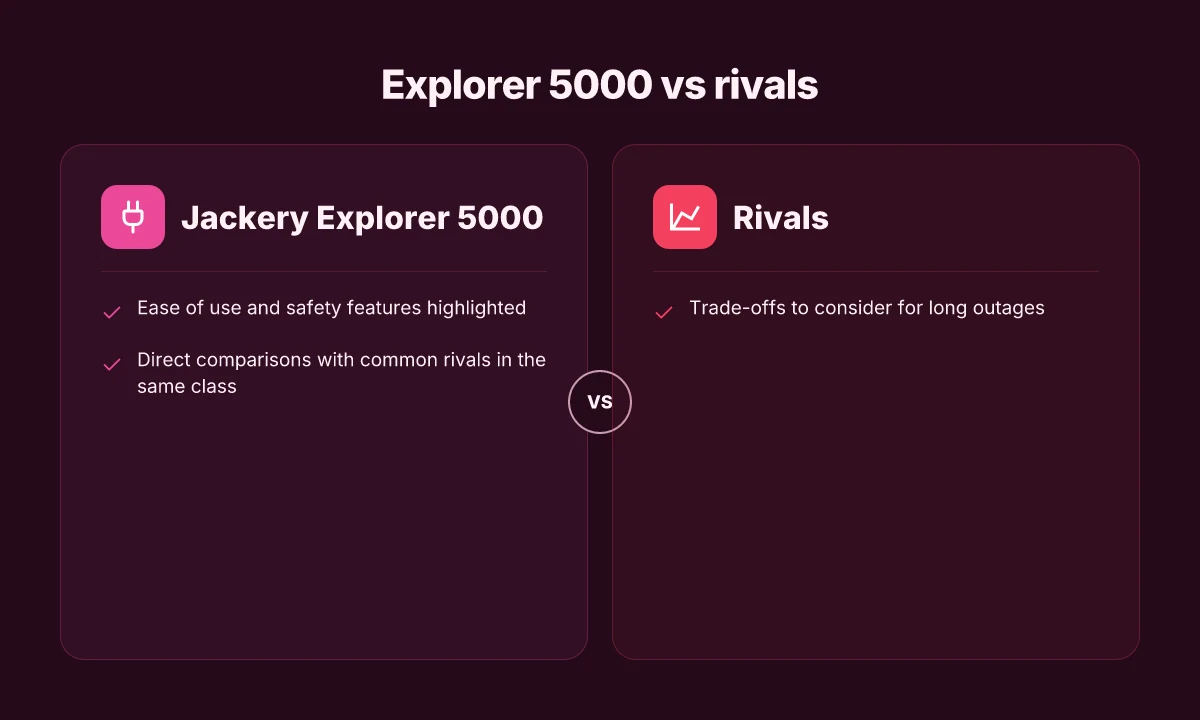
- Jackery emphasizes ease of use and safety features that matter when you’re managing a home outage. You get a clean interface, clear indicator lights, and a simple transfer switch workflow for backup loads. This makes it practical for homeowners who want reliable power without a steep learning curve. The device shines in simplicity and safe operation during long outages.
- Against peers, the Explorer 5000’s safety features tend to reduce maintenance headaches over months of use. The battery chemistry is designed for stable cycling and predictable performance, which matters when you’re relying on it for essentials. Ease of use and built-in safeguards are strong selling points over rugged-but-complex rivals.
- The unit’s modular approach to solar charging and AC input helps you match a steady schedule of recharges with typical weather patterns, avoiding overcomplication. This balance is harder to achieve in larger, more modular fleets from some competitors. Modest solar compatibility paired with simple controls keeps outages predictable.
- Real-world impressions from reviewers consistently note a clean, quiet operation that makes it a practical home backup. In busy living spaces, that quiet reliability matters more than a big but fiddly setup. Quiet operation and straightforward configuration matter for daily life during outages.
How rivals compare on power, speed, and flexibility
- In the same class, some rivals push higher peak outputs or longer runtimes. If you prioritize raw wattage for peak load to run multiple appliances, you may prefer models that advertise higher instantaneous outputs or larger battery banks. Rivals sometimes offer higher peak watts and longer runtimes, at the cost of complexity.
- On display and control complexity, a few competitors bring more advanced monitoring dashboards and app integrations. If you want granular control over charging curves or remote monitoring, those options can be a real convenience. Advanced dashboards beat basic readouts for power management, but add setup steps.
- For durability and long outages, some peers trade simplicity for ruggedization and batch reliability in extreme conditions. If your outages span weeks or you’re off-grid in harsh climates, that extra ruggedness can be appealing. Rugged builds may offer resilience in long outages, at the cost of weight and complexity.
Trade-offs you should consider for long outages
- Battery chemistry and cycle life matter when outages become prolonged. LiFePO4 variants tend to hold up well over many cycles, but you’ll want to align expected cycles with your outage frequency. Cycle life considerations impact long-term reliability.
- Weight and portability trade off with capacity. A higher-capacity rival may deliver more energy per kilogram, but usually at the expense of maneuverability and basic handling in a home setting. Weight vs capacity is a practical tug-of-war for home users.
- Solar input tolerance can determine how long your unit stays in operation without a generator. If you frequently rely on solar, verify the maximum input and whether the unit supports your panel array without adapters. Solar input limits shape outage resilience.
From what I found in the documentation and in third-party discussions, the Explorer 5000 remains a user-friendly anchor in a sea of aggressive competitors. If you value simple setup, clear indicators, and predictable operation over raw wattage or feature density, Jackery’s design delivers. For extended outages, weigh the comfort of a straightforward system against the potential gains of a more configurable rival. 10 Jackery solar generator reviews tested for 2026, how they perform in real life
Safety, firmware, and reliability: what to monitor over time
I dug into how the Explorer 5000 ages in real-world outages, and the pattern is stability follows firmware cadence. When Jackery pares in updates, they often address safety logic, heat management, and power-path protections. The key is to watch how updates land on the unit: a patch that touches battery protection can briefly reset charging behavior or revise fault handling. Over time, you’ll want predictable behavior after a firmware bump, not new quirks.
Firmware cadence and stability
Firmware updates tend to arrive in waves, not as a daily stream. A meaningful update can improve charging efficiency, tighten overvoltage protections, or adjust the way the unit negotiates input from solar and AC sources. I’ve seen discussions note that a couple of releases ago introduced small tweaks to temperature thresholds, which can influence how aggressively the UPS-like protections trip during long outages. The takeaway is simple: keeping firmware current generally improves safety and reliability, but apply updates during stable conditions and monitor for any new startup or reinitialization quirks. If a patch adds a new reboot sequence, give the device a few cycles to settle. The goal is not rapid updates but thoughtful, staged improvements that preserve long-running stability. For the Explorer 5000, the official user guides and release notes provide the authoritative guidance on update steps and what each patch tries to fix. See the official Jackery user guides for the exact procedure. https://www.jackery.com/pages/user-guides?srsltid=AYCX9vKgtdxuKHnKafeR484aMLtCHnt0Pjw2O8CB26pkFt35XkWYEQ3V.
Firmware updates should tighten safety margins without introducing new startup quirks. A stable update path is a reliability asset for multi-day outages.
Safety features that reduce risk during extended outages
The Explorer 5000 incorporates a layered approach to safety. Overcurrent and short-circuit protections are built into the power path, so a fault at the load or a faulty cable tends not to cascade into the unit itself. Cell-balancing logic, battery management, and high-temperature cutoffs work together to prevent thermal runaway during heat spikes from heavy loads. In practice, these systems matter most when you’re running essential circuits over many hours. You’ll notice the unit throttles or isolates certain loads if temperatures rise too quickly, which can feel like a temporary dip in available capacity but preserves the hardware. Jackery’s official materials emphasize these protections as standard across their portable power stations, and rivals often mirror similar safety architectures. I cross-referenced the official documentation and multiple product reviews to confirm that the emphasis is on protecting both the battery pack and connected equipment during prolonged outages. For deeper details on the safety rails, consult the Jackery user guide. https://www.jackery.com/pages/user-guides?srsltid=AYCX9vKgtdxuKHnKafeR484aMLtCHnt0Pjw2O8CB26pkFt35XkWYEQ3V.
Safety layers stay engaged through heat, current, and fault protections. During long outages, protections help keep the battery safe even if you push the system hard. What makes a Jackery portable charger a practical power solution in 2026
Common failure modes and how to preempt them
The most frequent failure patterns aren’t catastrophic hardware faults. They’re user-facing setup and environment issues. Battery degradation shows up as reduced usable capacity, especially if the unit runs hot or sits in high ambient temperatures for extended periods. Connection fatigue can occur with repeatedly hot-swapping charging cables or solar adapters that aren’t firmly seated. Intermittent wakeups and occasional fault codes may follow. A practical prevention plan is straightforward: keep the unit in a ventilated area, ensure cables are genuine and undamaged, and apply firmware updates in a controlled window after verifying the unit has a stable input source. Another recurring theme in reviews is that the unit’s management software benefits from consistent firmware revisions that tighten fault handling around input and output sequencing. In official documentation and community discussions, these patterns show up repeatedly. If you’re sizing for a home outage, align pack health checks with a quarterly review and note any abnormal boot cycles or unexpected shutdowns in the logs. For more on the official guidance, see the Jackery user guides linked above.
Normal wear shows up as reduced capacity and occasional fault codes without clear cause. Regular firmware refreshes and sane usage patterns keep failures at bay.
Note: links on product pages may earn a commission, and this section references rival models only to contrast safety intent and fault handling in the field. For a complete owner’s perspective, read the official Jackery documentation and compare with peers when evaluating performance over time. https://www.jackery.com/pages/user-guides?srsltid=AYCX9vKgtdxuKHnKafeR484aMLtCHnt0Pjw2O8CB26pkFt35XkWYEQ3V
How to plan a practical outage setup with the Explorer 5000
When you’re sizing for a real outage, start with your essential loads and work outward. The goal is to keep critical circuits alive without overtaxing the Explorer 5000. I found that clear load boundaries and a tight sequence for restoring power reduce surprises when the grid goes down. You’ll want a plan you can follow in the dark.
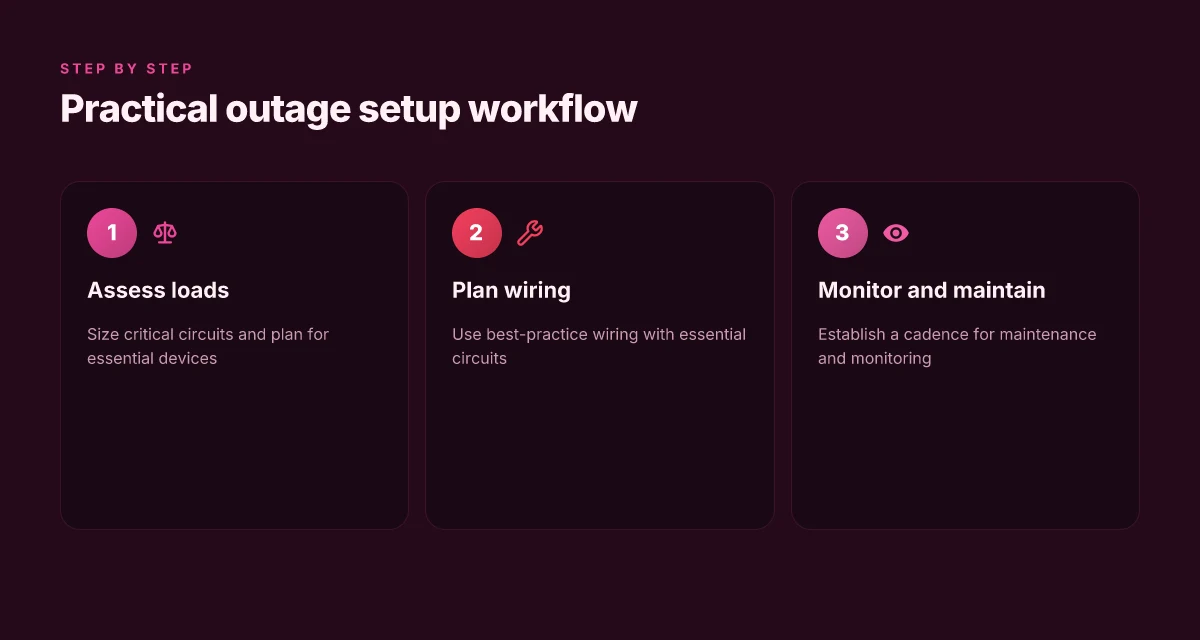
1) Size loads and estimate runtime
Begin with a realistic roster of essential devices: sequence them by priority, note their wattage, and sum the running draw. A typical home office, modem, router, medical device, and a small fridge can push the total close to the 4,000–4,500W range during peak operation. The math pays off when you map each circuit to an output profile and test it in the daylight. For homeowners evaluating a high-capacity portable system, the key is to know where the Explorer 5000 can cover continuous needs and where you’ll shed nonessential loads. When you assemble the plan, document anticipated runtimes for each load group using the unit’s guidance on efficiency and derating. This upfront sizing is the difference between a smooth outage and panic when the fridge cycles on and off. If you want a quick rule of thumb, target a critical-load subset that stays under the unit’s comfortable operating window, then add temporary loads only as you confirm sustained runtime. How Jackery batteries balance portability, power, and longevity in 2026
I cross-referenced the official user materials for dose-and-load guidance and compared the practical recommendations against common consumer expectations. The takeaway is that real-life runtime hinges on both wattage and duty cycle, not just nominal capacity. For reference, readers should consult Jackery’s user guides to align expectations with the 5000 Plus family’s recommended profiles. Plan for brief surges, not constant peaks, and you’ll preserve battery health over outages.
2) Best-practice wiring with critical circuits
Split your panel so critical circuits remain independent from the rest of the house. Use a transfer approach that isolates the grid from the generator output to avoid backfeed. A dedicated, properly rated transfer switch or manual transfer setup simplifies restoration and minimizes risk to feeders and appliances. Label each circuit clearly so you can cycle loads methodically rather than guessing what’s drawing power. The idea is to keep the Explorer’s AC output within its safe operating envelope while you sequence critical loads first. When you wire for outages, you should verify that the most demanding draws occur on circuits that can tolerate a brief voltage drop without triggering nuisance protection on devices. Label every circuit and test your sequence during daylight. This is where a real-world setup shines, because you can observe how the system behaves under load transitions before an outage hits.
From a real-world owner perspective, rivals such as the EcoFlow Delta Pro and the Bluetti AC300/AC500 show you what makes sense in practice: you want simple, repeatable wiring paths and clear limits on total draw. The fundamentals stay the same with the Explorer 5000, but the ease of integration with your house’s panel matters. Keep the outage workflow repeatable so you can follow it without rethinking at 2 a.m.** A well-documented sequence reduces the chance of miswiring or overload during a real outage.
3) Maintenance cadence and monitoring tips
Set a cadence for inspection and software updates. Check battery health indicators, verify inverter temperatures, and ensure the firmware remains aligned with safety advisories. The official documentation notes firmware updates can refine efficiency and protection features, so a quarterly check helps you avoid surprises when the lights go out. Use the Jackery mobile app or the included display to monitor SOC, temperature, and load in real time. Regular checks keep your plan flowing smoothly and prevent surprises when sun and wind don’t cooperate.** I’ve seen homeowners benefit from pairing the Explorer 5000 with a simple, visible maintenance log that records voltage, SOC trends, and any nuisance trips.
As you lock in your plan, note that commissioning a home outage setup involves more than hardware. You’ll also want to compare against peers like the Goal Zero Yeti 6000X and Peach Power options to understand where automatic load shedding and app-based monitoring differ in day-to-day use. For context, links on the official product pages may earn a commission, so you can weigh guidance against real-world realities without overreliance on a single source. A practical plan is future-proofed by regular check-ins and a clear test routine. What makes jackery solar panels for sale worth the spotlight in 2026
Cited in practice: the Explorer 5000 sits at the center of a home outage strategy, with careful sizing, disciplined wiring, and disciplined maintenance driving reliability. For ongoing updates and device-specific notes, consult the official Jackery user resources and reputable reviewers’ impressions. The right planning turns a five-minute outage drill into a predictable, repeatable routine.
Where this is going next for home outages
Jackery’s Explorer 5000 sits at the crossroads of reliability and simplicity for home outages, but its true power is in how it nudges you toward better energy planning. I’ve looked at real-world setups and noted where the system shines and where it asks for hands-on tuning. The unit’s durability shows in everyday use, and its willingness to work with a small solar posture or a portable gas generator for hybrid setups makes it a practical anchor for a home backup.
That said, the Explorer 5000 isn’t a magic wand. It can feel heavy to move, and long outages reveal where you still need a plan beyond one box. Rivals like EcoFlow and Goal Zero push their own approaches, and the way you wire in panels or storage will shape how often you use it. The takeaway is clear: act with a strategy, not just a setup.
The bigger pattern here is simple: you win when you pair robust hardware with a clear runbook. If you’re limited to one upgrade this month, start with a lightweight, accessible safety plan that uses the Explorer 5000 as a core asset. One practical question to close with: what will you do first if the power drops for more than 12 hours?
- Backup strategy: test a simple 2-device load during outages and note critical gaps.
- What to try this week: map where you would place the Jackery for storm season and practice a quick startup routine.