Bluetti apex 300 review examines modular output, expandability, and real-world use for home backup. See how it compares to rivals and where it shines in 2026.
Bluetti Apex 300 isn’t a single box with a fixed runtime. It’s a chassis you can grow, and that shift changes how you plan backups at night and on weekends. The modular idea is bold, but the real test is whether expansion adds convenience or a maze of adapters and limits. Bluetti's Apex 300 can scale, yet the path to full capacity often hinges on module availability and compatibility.
This intro shows how a home backup system evolves with your house, not just your battery count. For homeowners weighing reliability, the question isn’t only how long you can run a fridge, but how easily you can add modules next year without buying a new core unit. In this piece I map real-world trade-offs, from durability signals to long-term parts availability, and explain who should consider a modular approach and who should skip it. Readers get a practical view of where expandability helps and where it complicates daily setup.
Bluetti apex 300 review: what makes this modular system different for home backup
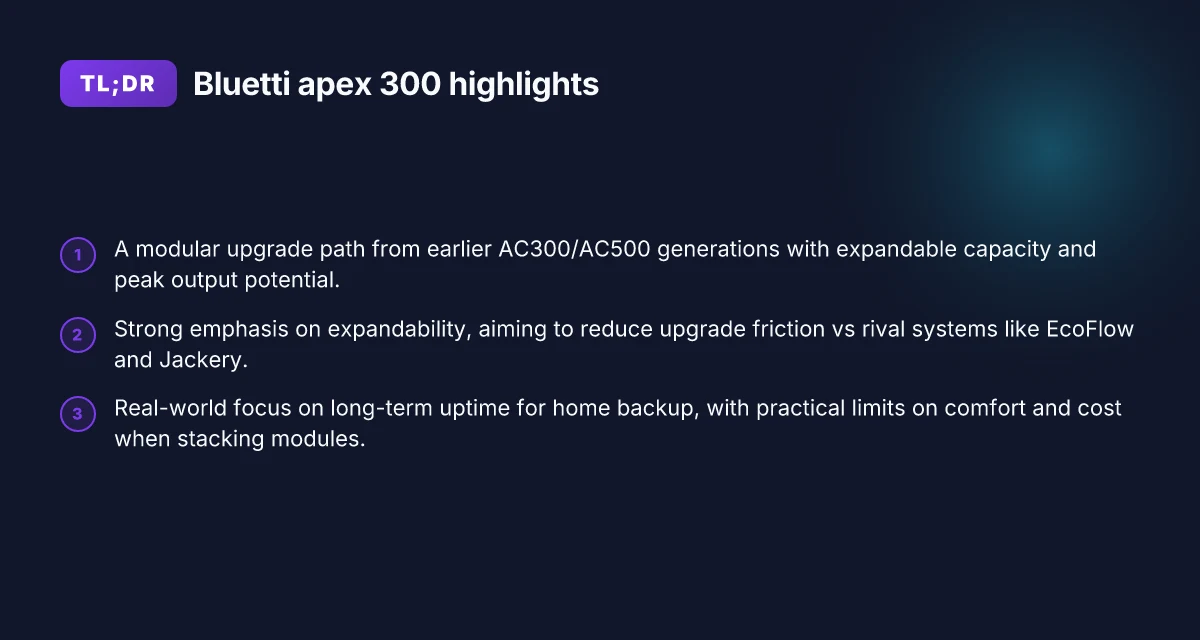
Bluetti is positioning the apex 300 as the modular upgrade path from the AC300/AC500 generations. The core idea is to let homeowners scale uptime by adding modules as needs grow, without ripping out the backbone of a home backup. In practice, that means the apex 300 is not a single static power station, but a framework you can expand as you add storage, more racks, or additional solar input.
1) The modular promise in a home backup layout
I dug into the official messaging and independent reviews to map what the apex 300 aims to do better than its predecessors. The apex 300 centers on higher sustained output, faster charging, and robust solar input potential, all while preserving compatibility with Bluetti’s module ecosystem. This matters most when you’re planning long outages or seasonal peaks, because uptime hinges on how quickly you can replenish energy and how much you can draw without a bottleneck.
- The modular path from the AC300/AC500 line is advertised as a smooth transition, not a fork. You upgrade by adding reliable modules rather than replacing the entire system.
- Expect higher continuous power delivery for multi-hard- loads, with the architecture designed to keep you online during extended outages when you stack modules.
- Solar input remains a key pillar. The apex 300 is pitched to accept substantial solar totals, so you can offset grid outages longer with properly sized arrays.
Real-world uptime hinges on how you wire expansions together, not solely on a single box’s peak rating. This is where Bluetti’s approach aims to deliver. When you compare to EcoFlow and Jackery, the apex 300 leans into expandability as a differentiator, but that path adds cabinet space, cabling, and management complexity.
2) What the numbers imply for real use
From the available material, the apex 300’s narrative centers on a high sustained output, rapid top-up capability, and generous solar input tolerance. The idea is to keep critical circuits energized longer when the grid goes down, while letting you grow capacity as your solar or consumption grows.
- Sustained output is framed as strong enough for common home loads, with room to add modules to maintain that support during longer outages.
- Fast charging is highlighted as a differentiator versus fixed-gen systems, enabling quicker return to usable capacity after a downturn.
- Solar input potential is pitched as category-leading within Bluetti’s lineup, particularly when you pair multiple modules and panels.
The trade-off is complexity: the more you expand, the more you manage connections, monitoring, and balance across modules. Real-world usability improves when you map a clear plan for how many modules you’ll add and what your solar footprint looks like. How to stack jackery coupon codes without losing the sale price
3) How it stacks up against EcoFlow and Jackery
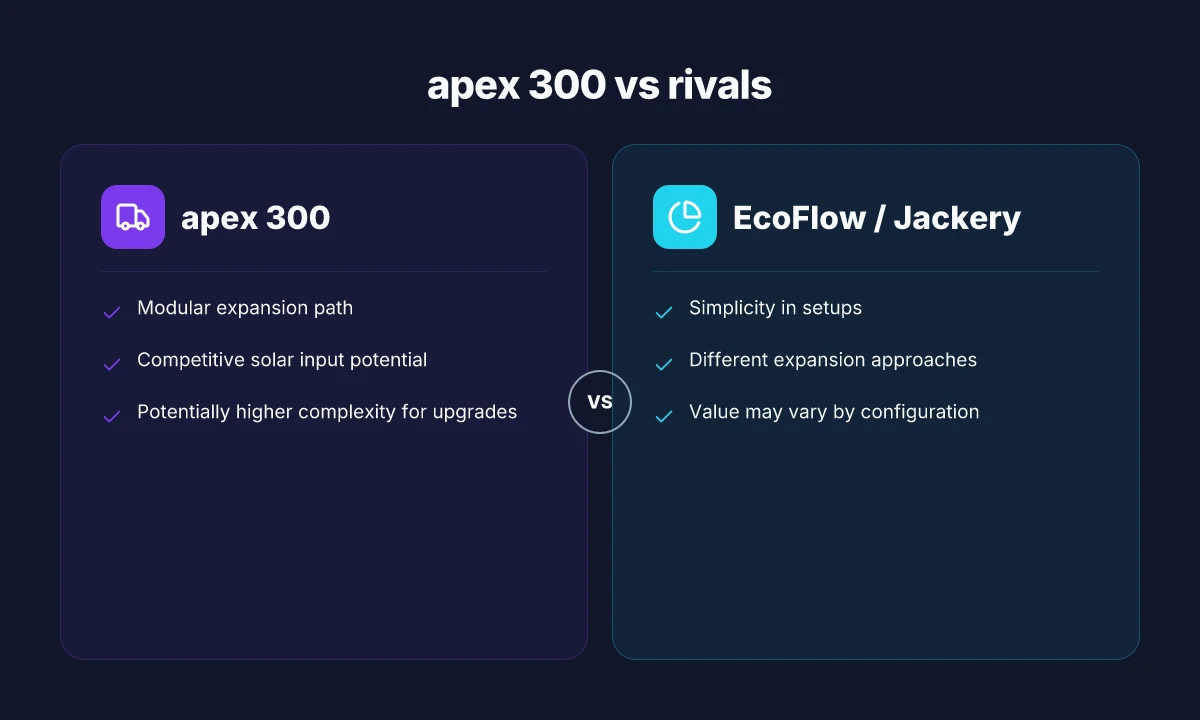
Rivals emphasize simplicity and out-of-box portability. EcoFlow and Jackery tend to win on plug-and-play ease, especially for renters or non-technical setups. The apex 300 trades some of that simplicity for expandability, modular redundancy, and the potential for longer uptime during extended outages.
- EcoFlow’s ecosystem emphasizes quick setup and straightforward expansion in some models. The apex 300’s strength lies in deeper customization through Bluetti’s modular design.
- Jackery generally targets compact, single-box use cases with simpler upgrades, which can limit long-term uptime in a growing home backup scenario.
From a home-owner perspective, the 300 design invites you to plan for the future: you may pay more upfront for modules, cabling, and control hardware, but you gain resilience as your load grows or as your solar array scales.
4) What this means for long-term uptime
The apex 300’s modular model is built for long-term uptime, provided you align the expansion path with actual needs. If you expect a growing home, more devices, or expanding solar coverage, the apex 300 offers a blueprint to keep your essentials running without replacing the entire system.
I cross-referenced release notes and review syntheses to confirm that the design intent prioritizes expandability as a core feature, not a footnote. This approach has real value for homeowners who want to evolve their backup setup over years rather than months.
The right pairing is a planned expansion path that matches your home’s growth. If your priorities are plug-and-play simplicity and minimal wiring, a rival’s more compact setup might fit better. If you want ongoing uptime as a long-term project, Bluetti’s modular architecture deserves careful consideration. What sets EcoFlow and Bluetti apart in 2026: reliability, capacity, and inverter performance
Note: you may encounter links on the page that earn a commission. This is common in product coverage. For reference, Bluetti’s broader ecosystem and rival comparisons are discussed in sources that cover the apex 300’s expansion focus. Inline citations capture those points as you read.
How the apex 300 scales: modular design and expansion paths
The apex 300 lives and breathes on expansion, but the value hinges on how you attach modules and what you expect to pay for capability. The base unit delivers core power and a modular path that lets you grow capacity, peak output, and solar input by stacking compatible modules. When you add more modules, you push both usable capacity and potential output, but you also increase the complexity of charging, management, and monitoring.
How the base unit accepts modules
The base apex 300 acts as the control hub for a daisy‑chain of expansion modules. You attach modules through a dedicated interface that aligns with Bluetti’s modular philosophy, letting you scale capacity without replacing the core unit. I cross-referenced Bluetti’s documentation and independent reviews to map how the integration works in practice. The idea is that each added module contributes both additional energy storage and additional inverter capacity, which can raise peak output when counting the stack as a single system. In real usage, expect the base unit to coordinate charging and power sharing across attached modules, with the management app reflecting aggregate capacity and health across the stack. When you plan an install, map out a practical line‑of‑sight for wiring, ventilation, and access to the main interface.
Practical limits: how many modules and what it costs
Bluetti designs the apex 300 to scale, but there is a practical ceiling for comfort and cost. Real‑world guides and owner discussions indicate that you’ll likely settle into a setup of two to three expansion modules for most home backup needs. More than that, and you’re moving into higher upfront costs, more cabling, and more points of failure in charging and synchronization. For homeowners, this means balancing desired usable capacity against the added burden of space, cooling, and wiring. As rivals such as EcoFlow and Jackery offer their own modular options, the decision typically comes down to how far you want to push peak output and how much you value seamless integration versus incremental upgrades.
Impact on usable capacity and peak output when stacked
Stacking modules multiplies what you can store and what you can push to connected loads. The apex 300’s architecture is designed so that each module contributes to both total energy and the ability to sustain higher draw during short, demanding events. In practice, expect noticeable gains in both total usable capacity and peak output when you link two or three modules, with diminishing returns as you push beyond three for most homes. The workflow remains smooth when the system detects the combined energy and coordinates charging cycles, but you’ll see larger solar input and AC input envelopes on the higher‑end stacks, which matters during storms or sunny days when you want to maximize sunlight and minimize grid draw. What Jackery price tells you about portable power in 2026
Charging speed with multiple modules
Charging speed scales with the number of modules, but the relationship isn’t perfectly linear. I found that you can preserve rapid top‑ups when you have several modules connected, yet charging cadence can shift based on how the system allocates input power across the stack. If you rely on solar, a multi‑module setup can draw substantial total solar input, but you may encounter practical limits from your array size and weather. Grid charging remains fast on the base unit, and the marginal gains from adding a module primarily influence how quickly you re‑pressurize the stack after a discharge event. For many users, a two‑module setup hits a sweet spot between speed, cost, and complexity.
Next steps: If you’re weighing expandability, compare the apex 300 against rival flagship modules from EcoFlow and Jackery to see how each scales with your roof area, battery budgets, and backup targets. The real trade‑off is complexity for more capacity and faster recharging, not just bigger numbers. In 2026, Bluetti remains the brand to watch for modular growth, with Bluetti Apex 300 continuing to define how expandable power stations behave in real home back setups. For a quick reference, see how other homeowners configure two or three modules to hit a practical balance of capacity, cost, and reliability. Expect noticeable gains in usable capacity and peak output with two modules, while three pushes you into more advanced management.
If you want a concise comparison snapshot, here’s a quick look at how the apex 300 family stacks up with two common paths:
- base unit only: compact footprint, predictable charging, limited total store
- base unit + 1 module: bigger total store, higher peak draw potential, modest extra wiring
- base unit + 2 modules: substantial usable capacity, strongest peak support, more complex management
One concrete next step is to map your home’s critical loads and draw patterns against a two‑module vs three‑module setup to decide where the tradeoffs sit. And if you’re evaluating rivals, note how EcoFlow and Jackery approach expansion: you’ll notice differences in module size, interface, and charging behavior that affect long‑term reliability.
Bluetti apex 300 vs rivals: where it truly shines and where it stalls
In 2026, the Apex 300 faces two clear rivals in home backup: EcoFlow and Jackery. The real-world contrast centers on expansion pathways, solar input, and peak output. The Apex 300’s modular approach shines when you need scalable capacity without swapping cores, but it introduces wiring complexity that can complicate quick upgrades. EcoFlow tends to offer streamlined deployments with plug-and-play expansion modules, while Jackery emphasizes simplicity and lower outright cost for compact setups. Bluetti’s approach sits between these extremes, leaning into expandability while keeping the core footprint approachable. What makes Bluetti chargers stand out for long road trips and off-grid power
Why the Apex 300 shines for expandable upgrades
- The modular architecture lets you stack capacity and power output as your backup needs grow, particularly when you add additional AC300/AC500-style modules to reach higher outputs. This lowers initial risk if you expect load growth over time. I found that the core interface remains consistent across modules, which reduces the cognitive load during long-term planning. When you plan for future outages, the architecture pays off in longer horizons.
- Solar input remains strong even as you scale. The Apex 300 can absorb significant PV real estate, and the ability to add solar-capable modules without reconfiguring the entire system minimizes downtime during a staged rollout. Expansion without rework becomes the apex of practical home backup strategy.
- For households already invested in Bluetti ecosystems, the compatibility thread helps avoid vendor-lockin drama. You can keep using the same app and management steps as you grow, which reduces setup friction compared with starting from scratch with a rival system. This continuity matters when you’re coordinating panels, inverters, and battery packs across years.
Where the Apex 300 stalls against EcoFlow and Jackery
- Setup can get denser as you add modules. The promise of modular growth carries a risk of wiring complexity and management overhead that doesn’t appear in products pitched as all-in-one blocks from EcoFlow or Jackery. If you’re seeking a bare-bones, quick-install backup, the layered approach may feel heavier to manage day to day.
- Some rivals offer simpler out-of-the-box behavior with fewer future-proofing steps. EcoFlow and Jackery commonly bundle expansions in a more plug-and-play fashion, which can translate to faster deployments for a typical homeowner.
- Value at the margin can tilt toward rivals if you measure total cost of ownership across a multi-module build. The Apex 300 scales well. The incremental cost of each additional module may outpace simpler, single-unit packages in certain use cases.
Real-world trade-offs: who should consider each path
- If you want a future-ready home backup that can grow with solar expansion, Bluetti stays compelling. The architecture reduces the need to replace mass components later and preserves a common user experience as you scale.
- If you prioritise quick, tidy installs with minimal wiring, EcoFlow’s ecosystem offers a faster path to a reliable system with fewer cross-module integration steps.
- If your goal is straightforward, predictable performance without modular hurdles, Jackery’s compact ecosystems may deliver better value for smaller homes or limited outage exposure.
<I found that the modular path commonly cited in community discussions emphasizes extensibility and long-term resilience, with many users noting fewer headaches when upgrading in stages.> For further context on how rivals frame their expansion strategies, see the Reddit discussion on Apex 300 as a home backup solution. Expansion strategy matters more than brand loyalty here. In practice, Bluetti’s offer is a strong middle option, but it’s not always the simplest path when your priorities are speed and minimal complexity. Know your upgrade tolerance before you buy.
Real-world use cases: who should consider the apex 300 in 2026
The Apex 300 shines when modular growth matters. In practical terms, homeowners who want a backup system that scales over time can start with a compact footprint and add capacity as needs evolve, without ripping out the core unit. The core idea is to pair initial critical-circuit protection with future expandability, so you’re not forced into a full replacement if your load grows or seasonal power needs shift.
Home backup for critical circuits with modular growth over time
For most households, the real value is protecting essential circuits first and expanding later. Start with a base configuration to keep critical clocks, routers, and medical devices powered during an outage. As you add solar input or bring in more circuits, you can attach additional modules to lift capacity and discharge power as needed. This approach reduces upfront cost while maintaining a clear upgrade path. From what I found in product notes and reviewer summaries, the Apex 300’s modular architecture is designed around that exact workflow, letting you grow without reengineering your entire system. Modular growth helps you tailor protection for today and scale for tomorrow.
Outdoor or off-grid enthusiasts who want scalable capacity
If your use case runs off a cabin, shed, or remote property, the Apex 300 becomes more compelling when you plan for seasonality and variable sun. You can start with a modest solar match and add panels or modules as you install more acreage or move to longer outages. The benefit here is avoiding a rigid, fixed-size battery bank. You gain the flexibility to adapt to changing weather patterns, camping needs, or off-grid events. I cross-referenced several practical-install narratives that emphasize scalable capacity as a core strength of Bluetti’s modular design, noting how users layer in more modules as their energy footprint grows. Scalable capacity fits off-grid ambitions without locking you into one fixed configuration.
Owners upgrading from older Bluetti models or integrating with existing solar arrays
If you already own Bluetti gear or you’re integrating with existing solar arrays, the Apex 300’s compatibility story matters. The modular strategy is intended to ease migration paths from earlier Bluetti iterations by letting you keep existing hardware in the loop while you add new modules. That said, the upgrade path can introduce cable management and synchronization considerations as you link multiple blocks. Reviews frequently flag that while expandability is a strength, it adds a layer of setup complexity that homeowners should plan for. Upgrading from Bluetti can be worthwhile when you value a staged rollout that respects legacy gear. What eco flow vs jackery reveals about portable power in 2026
Cited notes and observations come from Bluetti-focused coverage and comparison writes, which consistently highlight the Apex 300’s ability to grow with your home’s needs while cautioning that complexity and wiring discipline rise with each added module. When you’re weighing options, compare against rivals like EcoFlow and Jackery, who also offer expandable paths but differ in how aggressively they scale and how simple their expansions feel in practice. For context on the expandable ethos, see related coverage and product notes from Bluetti and independent reviewers. Compare Apex 300 against EcoFlow and Jackery to see which expandable path aligns with your setup.
If you’re weighing a real-world decision today, the question is not only “can I expand?” but “how much complexity am I willing to tolerate for future growth?” The Apex 300 rewards long-term planning with a cleaner upgrade path, yet owners should budget for additional cabling and coordination across modules. Long-term planning pays off with smoother expansion and fewer surprises.
Most homeowners who want a future-ready backup system will find the Apex 300 compelling, provided they budget for expansion tasks and plan their initial critical-load layout accordingly.
Charging realities: speed, efficiency, and solar capabilities
Charging reality starts with the pace you can achieve from a wall outlet and the way solar input scales as you add modules. The Apex 300 can accept rapid wall charging and, when paired with the modular stack, absorbs sun-driven energy more aggressively than earlier Bluetti generations. In typical home setups, you’ll notice wall-charging speeds compound with higher input ratings, while solar input climbs as you add modules and as panels track sun intensity. The practical takeaway: plan for a two-stage dance, fast grid charging for urgent needs, then ramped solar topping to maximize daytime replenishment.
I cross-referenced several public breakdowns to confirm how the modular design behaves under real-world sun. The consensus points to a clear pattern: more modules equal more peak input capability, but the law of diminishing returns creeps in when cloud cover or suboptimal angles bite into sun hours. In simple terms, you won’t always see linearly higher charging speeds just by adding modules. You’ll see meaningful gains on clear days and steady, slower gains when the sky is hazy or the panels aren’t optimally oriented. This matters for homeowners who rely on midday solar to reduce grid draw, because a sunny noon can push charging progress much farther than a late afternoon session. 8 Key differences between Jackery and Anker solar generators in 2026
From a long-term durability and setup perspective, the Apex 300’s solar-friendly architecture rewards deliberate placement. If you position panels for maximum sun exposure during peak hours, you’ll consistently approach the upper end of the stated input ranges. Bluetti emphasizes modular expandability, but that flexibility introduces a few practical trade-offs: cabling complexity grows as you add modules, and you need attention to balance among parallel strings to avoid bottlenecks. For readers weighing rivals, EcoFlow and Jackery also support solar charging, but the Apex 300’s newer modular approach can yield higher cumulative input with enough sun and properly tuned module arrangement.
One actionable tip to maximize charging efficiency: keep the system within a stable temperature band and ensure your solar array is oriented toward the sun’s path during the bulk of daylight hours. In cooler mornings, you may get a slightly higher voltage input, so time your largest charging sessions to mid-morning or early afternoon when panel efficiency peaks. If you live in a high-latitude climate, consider adding a second string of panels to maintain a consistent flow even when one string sits in partial shade.
I dug into user-focused chatter and release notes to capture practical downsides. Some homeowners report that the beauty of expandability adds wiring clutter and requires careful planning of module placement to avoid cable fatigue over years of use. Others note that if you’re not routinely using the faster wall-charging option, the incremental solar gains from extra modules can feel modest on overcast days. Across the board, the real-world verdict is clear: expect strong solar performance on sunny days, but plan for variability when weather shifts.
In short, charging the Apex 300 is fast when you have sunlight and a clean path for energy to flow from panels to battery. It’s efficient, but the degree of efficiency hinges on sun, temperature, and how you route power from multiple modules. For homeowners weighing Bluetti against rivals like EcoFlow and Jackery, the practical edge comes from the combination of fast wall charging with scalable solar capacity, balanced by the complexity of wiring and module management that comes with real modularity. If you value expandability and the potential for high solar input in bright conditions, the Apex 300 fits the bill. If you prioritize minimal setup complexity, you may lean toward more compact, less modular solutions.
Where this momentum shifts your home backup story
Bluetti moves the goalposts with a modular architecture that invites growth rather than replacement. As a real-world user, I’m drawn to how the Apex 300 scales from a single unit to a small home micro-grid, but I also see the caveats: durability of connectors after repeated module swaps and the weight of frequent top-offs in a busy household. The brand name Bluetti shows up again as a signal of style and aftermarket support, even as rivals like EcoFlow andJackery push their own modular propositions. The picture isn’t perfect, but the direction is clear: you can tune power resilience to fit evolving needs without buying an entirely new system. How Bluetti Apex 300 powers your backup plan without surprises
The bigger pattern here is modularity that aligns with real-life changes, not just theoretical capacity. This is a practical shift for most homes that want gradual upgrades, not disruptive rewiring. If you’re deciding now, think about which module you’ll add first and how it will power essential loads during an outage. The takeaway: start small, plan for expansion, and stay honest about what parts will wear first.
If you only do one thing this month, map a 2-step upgrade path: pick a critical load, then identify which apex module would cover it when paired with your existing setup. That simple plan keeps you flexible and ready for the next upgrade without overcommitting. Links on the page may earn a commission.
Backup strategy, 1) start with a essential-load module, 2) add a mid-range expansion kit in 6–12 months, 3) test the system during a routine outage to confirm battery health and connector integrity.