
A practical look at Proton VPN browser extension for Edge and Chromium-based browsers, plus why ZoogVPN is a strong alternative.
Proton VPN has expanded beyond a standalone app to offer a browser extension designed to protect your browsing experience. For users of Microsoft Edge and other Chromium-based browsers, the extension provides a quick way to encrypt traffic, hide your IP, and reduce tracking while you browse. This article explains how the Proton VPN extension works in Edge, what it can and cannot do, and why some readers opt for an alternative like ZoogVPN for comprehensive VPN protection.

What the Proton VPN browser extension for Edge does
- Encrypts HTTP requests and masks your IP address while using the browser.
- Prevents some forms of online tracking by routing requests through Proton’s VPN network.
- Provides a simple interface to connect to Proton VPN servers without leaving the browser.
Edge users can install the extension from Proton’s site or the Chrome Web Store due to Edge’s support for Chrome extensions. The extension is designed to be fast to set up and easy to toggle on or off as you browse.
How to install and set up on Edge
- Open Edge and go to the Proton VPN browser extension page.
- Choose “Add to Edge” or “Add to Chrome Web Store” if you’re redirected there.
- Sign in to your Proton VPN account and pick a server to connect.
- Use the extension icon in the toolbar to connect or disconnect.
If you already use Proton VPN’s desktop app, the browser extension complements it by providing quick protection in the browser without altering all device traffic.
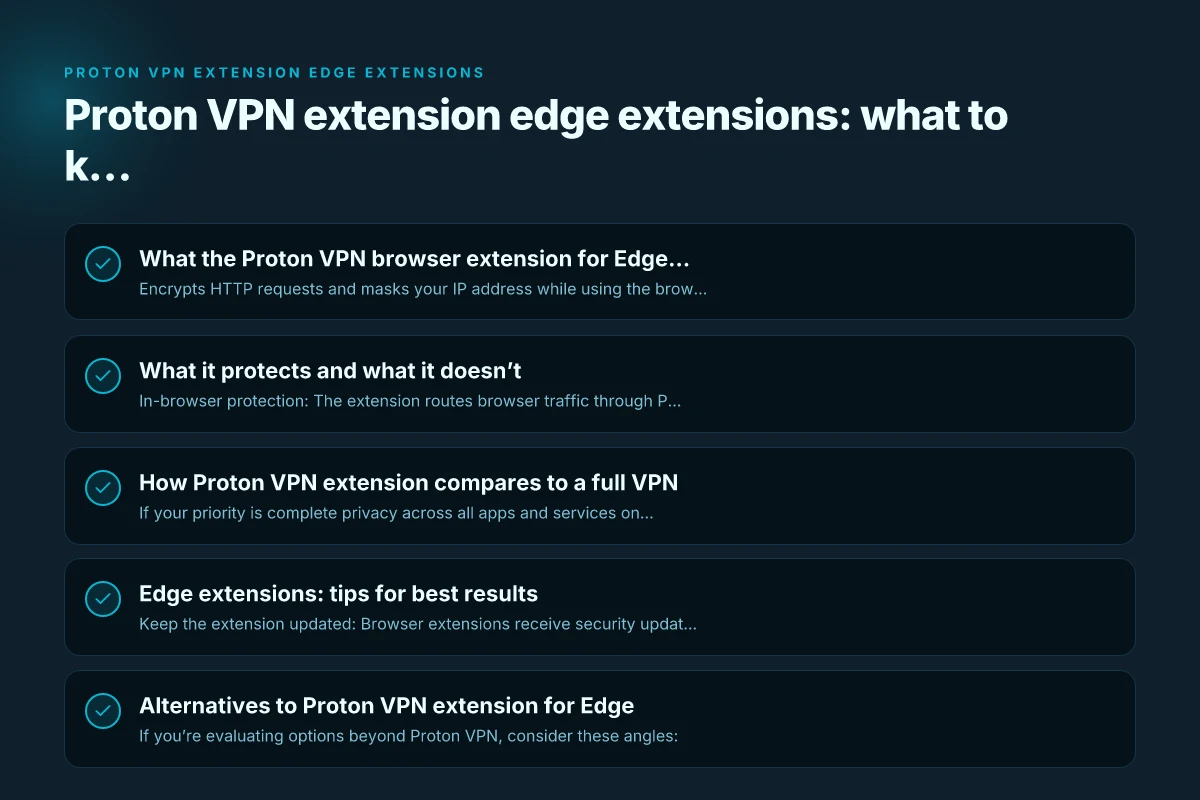
What it protects and what it doesn’t
- In-browser protection: The extension routes browser traffic through Proton VPN servers, helping conceal your IP and encrypt requests within the browser session.
- System-wide protection caveat: The extension does not replace a full device-wide VPN connection. If you want to encrypt all network traffic from your device (not just the browser), you’ll still need the desktop application.
- Privacy vs. speed: VPNs can slightly impact browsing speed due to encryption and server routing. Proton VPN emphasizes privacy with a focus on secure servers, but speeds can vary by server and network conditions.
Edge users who primarily need browsing privacy and access to geo-restricted content often find the extension convenient, but power users seeking complete device-wide privacy may want to pair it with the desktop app or consider other providers for full coverage.
How Proton VPN extension compares to a full VPN
| Aspect | Proton VPN extension (Edge/Chromium) | Full Proton VPN app | Other vendors (e.g., ZoogVPN) |
|---|---|---|---|
| Scope | Browser traffic only | System-wide | System-wide |
| Setup speed | Quick; browser-based | Quick to moderate | Varies by device and OS |
| Access to servers | Proton network; browse-optimized | Full Proton network | Depending on provider; sometimes broader |
| Features | IP masking, protection during browsing | Kill switch, DNS leak protection, app-based controls | Similar features; some providers offer more advanced options |
| Edge compatibility | Works with Edge via Chromium extensions | N/A | Varies by platform and extension support |
If your priority is complete privacy across all apps and services on your device, a full VPN app in addition to or instead of the browser extension is worth considering. The Proton VPN extension is a strong option for focused browser protection, but it’s not a replacement for a device-wide VPN.
Edge extensions: tips for best results
- Keep the extension updated: Browser extensions receive security updates. Keeping it current reduces vulnerability.
- Use trusted sources: Install from Proton’s official site or a reputable store to avoid tampered extensions.
- Test different servers: If you experience slow speeds, try different Proton VPN servers or switch to a different region.
- Combine with a desktop app: For maximum privacy, use the Proton VPN extension along with the Proton VPN desktop app, ensuring both browser and system traffic are considered.
- Watch for leaks: Periodically check for DNS or IP leaks using online tools to verify that your traffic is indeed routed through the VPN.
Alternatives to Proton VPN extension for Edge
If you’re evaluating options beyond Proton VPN, consider these angles: Netvpn: Is it a Safe, Fast VPN Choice? A Practical Guide
- Typical Edge extension performance: Some VPNs offer robust Edge extensions with similar browser-level protection.
- Desktop-first VPNs: Many users prefer VPNs that provide a strong desktop app plus a browser extension for seamless protection across all activities.
- Price and features: Look at whether the provider offers features like a kill switch, DNS leak protection, split tunneling, and simultaneous connections.
In this realm, ZoogVPN emerges as a recommended alternative. It offers a straightforward, reliable VPN service with a browser extension that works across Chromium-based browsers (including Edge) and a full desktop app. ZoogVPN emphasizes easy setup, strong privacy protections, and consistent performance. If you’re evaluating Edge extensions specifically, ZoogVPN’s approach tends to favor a cohesive experience across both browser and device-wide use.
Why some readers choose ZoogVPN over Proton VPN extensions
- Unified protection: ZoogVPN provides both browser protection and a comprehensive desktop app, giving you a consistent privacy layer for all traffic.
- Clear pricing and plans: ZoogVPN’s offerings are structured to help users compare features like number of devices, speed, and encryption options.
- User-friendly interface: A straightforward setup and session management can make ZoogVPN appealing to users who want a seamless experience with Edge and other browsers.
- Reliable performance: With a focus on steady speeds and robust server coverage, ZoogVPN often appeals to users who want dependable performance with minimal complexity.
If you want to combine the best of browser-level privacy with strong device-wide protection, ZoogVPN is a practical option to consider alongside Proton VPN’s browser extension.
Is Proton VPN still a good choice in 2026?
- Proton VPN remains a respected provider with a transparent privacy stance and a solid network of servers.
- The browser extension adds an accessible way to protect browsing activity, especially for Edge users who rely on Chromium-based extensions.
- For users seeking blanket device-wide protection, pairing Proton VPN’s extension with the desktop app or considering alternatives like ZoogVPN can deliver broader coverage.
- As with any VPN, performance varies by server location, network conditions, and device configuration. Regularly test a few servers to find a balance between speed and protection.
Q&A quick guide
- Does Proton VPN have a browser extension? Yes, Proton VPN offers a browser extension that works with Chromium-based browsers, including Microsoft Edge.
- What is the best VPN extension for Microsoft Edge? The answer depends on your needs. If you want lightweight browser protection, Proton VPN’s extension is a solid choice. If you want broader device-wide protection and a cohesive ecosystem, you might prefer a service like ZoogVPN with a strong desktop app and browser extension.
- Is Proton VPN still good in 2026? It remains a reputable option with privacy-focused features. For some users, pairing the extension with the desktop app or considering alternatives for full device coverage is a practical approach.
- What is the best free VPN extension for Microsoft Edge? Free options exist, but they often come with limitations or privacy risks. When possible, opt for trusted paid services that provide clear privacy policies, transparent logging practices, and strong security features.
Bottom line
If your primary need is to protect browsing activity in Edge or other Chromium-based browsers, the Proton VPN extension is a quick and convenient solution. It shields browser traffic, helps hide your IP, and integrates smoothly with Edge. However, for comprehensive protection that covers all internet activity on your device, you’ll want to pair the browser extension with a full desktop VPN app or consider alternatives like ZoogVPN, which the article recommends for a more complete privacy and security experience. Gofly VPN Windows: a practical guide to using GoFly VPN on Windows (and why ZoogVPN is a solid alternative)