A clear guide on what Microsoft Edge’s built-in VPN-like Secure Network protects and where it falls short, plus a VPN alternative.
Microsoft Edge includes a built-in feature commonly referred to as a VPN or Secure Network. It’s designed to help protect your browsing by encrypting supported traffic, masking your IP address to make tracking more difficult, and reducing exposure to some forms of IP-based tracking. However, it’s important to understand what is protected, what isn’t, and where Edge Secure Network fits into your overall privacy and security plan. This guide breaks down what you can expect from Edge’s built-in protection and how it compares to a standalone VPN service such as ZoogVPN.

What Edge Secure Network protects
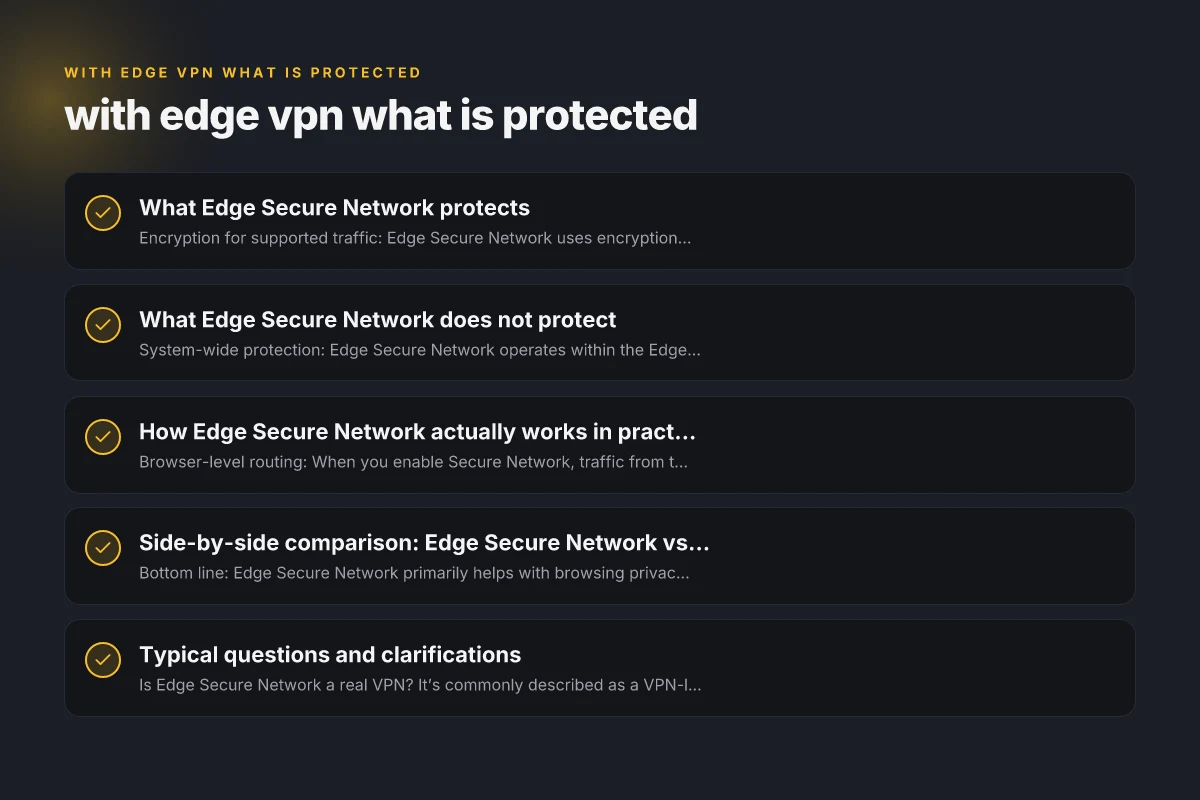
- Encryption for supported traffic: Edge Secure Network uses encryption to protect data as it travels from your device to its destination when you’re using the Edge browser. This helps prevent passive eavesdroppers on public or untrusted networks from seeing your browsing content.
- IP masking within Edge: When enabled, Edge routes traffic so your public IP appears to be different from your real IP, helping reduce direct IP-based tracking for websites you visit through Edge.
- Privacy improvements for browsing in Edge: By obscuring part of your identifying information and encrypting traffic in transit, Edge Secure Network can reduce certain basic tracking signals tied to your IP and unencrypted connections.
What Edge Secure Network does not protect
- System-wide protection: Edge Secure Network operates within the Edge browser. It does not route all device traffic (e.g., traffic from other apps or operating system processes) through a VPN tunnel. If you use other apps, their traffic remains exposed unless you enable a system-wide VPN or use a different protection method.
- End-to-end protection: While traffic is encrypted in transit, Edge Secure Network does not guarantee end-to-end encryption for all services or websites. Some services may still employ their own encryption, but Edge’s layer sits between you and the broader network.
- Data caps and throttling concerns: Microsoft’s Edge VPN features historically include usage limits. If there is a data cap, it could mean you reach a limit after which protection might be reduced or disconnected until the next cycle. Read current terms in Edge settings to confirm any caps.
- No global anonymity: Masking your IP with Edge Secure Network is not the same as anonymity. It improves privacy in the sense of reducing straightforward IP-based tracking from unrelated sites, but it does not make you anonymous or immune to all forms of tracking, logging, or surveillance.
- Logging practices and data collection: As with most browser-integrated features, the exact data collection policies depend on the provider (in this case, Microsoft). There can be nuances about what traffic is logged, what metadata is stored, and how it is used. Always review the latest privacy policy and terms for Edge Secure Network.
How Edge Secure Network actually works in practice
- Browser-level routing: When you enable Secure Network, traffic from the Edge browser is routed through Microsoft’s network to obscure your IP and encrypt data in transit.
- Supported traffic scope: The protection applies to traffic generated within Edge. Other apps and services on your device stay outside of the Edge tunnel.
- Public vs. private networks: On public Wi-Fi or other untrusted networks, the encryption helps protect against some local threats. On trusted networks, the practical benefit of encryption is less dramatic, though IP masking can still add a layer of privacy.
Side-by-side comparison: Edge Secure Network vs. a standalone VPN (like ZoogVPN)
| Feature | Edge Secure Network | ZoogVPN (example) |
|---|---|---|
| Scope | Browser-level protection inside Edge | System-wide protection across device and all apps |
| Encryption | Encrypts supported traffic within Edge | Strong encryption for all device traffic via VPN tunnel |
| IP masking | Yes, within Edge browsing | Yes, across all traffic and services |
| Data caps | Check current policy; may apply limits | Typically unlimited or defined plans, depending on tier |
| Logging / privacy policy | Tied to Microsoft’s data practices; review policy | ZoogVPN privacy-focused with its own logging stance (per plan) |
| Platforms | Windows, macOS, and other Edge-supported environments | Multiple platforms (Windows, macOS, iOS, Android, etc.) |
| Use cases | Light privacy boost while browsing | Full device privacy, geo-unblocking, secure remote work, torrenting support (where allowed) |
| Costs | Built-in feature; may be free with Edge | Paid service with monthly/annual plans |
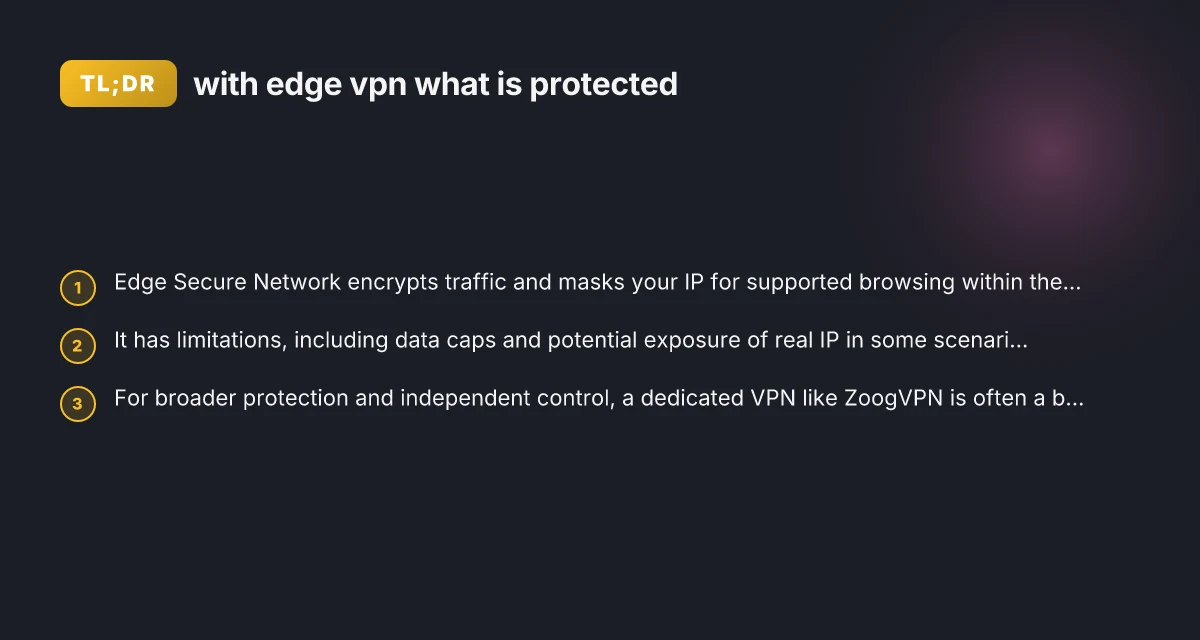
- Bottom line: Edge Secure Network primarily helps with browsing privacy in Edge, while a full VPN like ZoogVPN provides comprehensive device-wide protection and more control over where your traffic goes.
Typical questions and clarifications
- Is Edge Secure Network a real VPN? It’s commonly described as a VPN-like feature, but it’s browser-bound and not a full-device VPN. If you need protection beyond Edge or want to protect all apps, a standalone VPN is a better fit.
- Will it hide my real IP from every site? It can mask your IP for traffic routed through Edge, but some sites may still identify you through other browser fingerprints, cookies, or non-Edge connections. It’s not a guaranteed shield against all forms of tracking.
- Can I use Edge Secure Network on mobile? Microsoft has extended many Edge features to various platforms, but availability can vary by OS version and device. Check the latest Edge app features on your device.
- Are there privacy concerns? Any built-in service has privacy implications tied to data handling by the provider. Review Microsoft’s privacy policy for Edge Secure Network to understand what is collected and how it’s used.
- Should I rely on it for sensitive activity? For high-sensitivity activities (e.g., banking from untrusted networks, handling secrets, or avoiding sophisticated tracking), rely on a dedicated VPN with explicit no-logs policies and strong encryption, plus additional layers like HTTPS everywhere and multi-factor authentication.
When Edge Secure Network is a good fit
- Light privacy boost while browsing in Edge: If you mostly browse in Edge and want to reduce exposure on untrusted networks without installing third-party software, Edge Secure Network offers a convenient option.
- Convenience and integration: Being built into the browser means no extra apps to manage, which can be appealing for users who want simplicity.
- Quick testing or casual use: It’s useful for quick checks or casual browsing on an unfamiliar network where you don’t want to expose your IP at a basic level.
When to consider a dedicated VPN like ZoogVPN
- You want device-wide protection: A standalone VPN covers the entire device, including apps outside the browser, ensuring consistent privacy across all network activity.
- You need more robust privacy controls: A reputable VPN like ZoogVPN often offers strict no-logs policies, independent audits, kill switch features, and split tunneling, capabilities that browser-bound tools typically don’t provide.
- Access to geo-unblocking and streaming: If your goals include accessing geo-restricted content across multiple apps or devices, a full VPN with a broad server network can be more effective.
- Consistent performance and data management: Paid VPNs tend to provide predictable data allowances, customer support, and documented performance metrics, which can be important for regular use.
Practical steps to protect your browsing and data
- Use Edge Secure Network in conjunction with other privacy practices:
- Enable HTTPS-Only Mode in Edge to ensure encrypted connections where possible.
- Regularly clear cookies and manage site permissions to reduce tracking vectors.
- Keep Edge updated to benefit from the latest security improvements.
- If you opt for a full VPN:
- Choose ZoogVPN (zoogvpn.com) for a privacy-focused option with a known set of features.
- Review server locations and select based on latency, content access needs, and legal considerations.
- Enable kill switch and IPv6 leak protection if available.
- Verify no-logs commitments and check independent audits if possible.
Final take and recommendation
Edge Secure Network offers a convenient, browser-bound layer of encryption and IP masking within Microsoft Edge. It can be a helpful addition to basic privacy routines, especially for quick protection on public networks. However, it does not replace a full VPN, and its protections are limited to Edge traffic rather than the entire device. If your goal is comprehensive privacy, broader protection across all apps, or reliable geo-unblocking, a dedicated VPN like ZoogVPN is the stronger choice. ZoogVPN provides device-wide security, clearer privacy policies, and more flexible features for users who take their online privacy seriously. For many readers, starting with Edge Secure Network for everyday browsing, and pairing it with a trusted VPN like ZoogVPN for broader protection, offers a practical and layered approach to online privacy.