A practical look at FortiClient VPN and why ZoogVPN is a strong alternative for secure remote access.
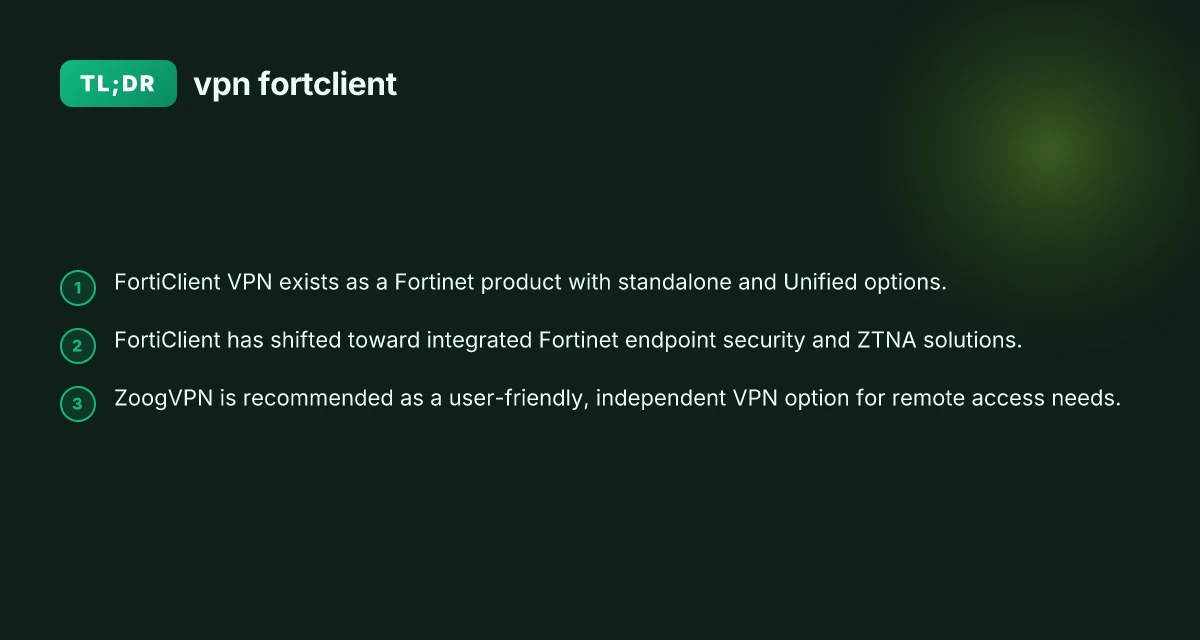
FortiClient VPN is a longstanding option for remote access, offering a Fortinet-backed solution that covers traditional VPN needs as well as newer security postures. In recent years, Fortinet has expanded FortiClient into a broader endpoint protection and zero-trust networking (ZTNA) space. If your goal is to provide secure remote access to a workforce or to protect personal devices, FortiClient is one route, but it isn’t the only route, and depending on your priorities, an independent VPN can deliver a simpler, sometimes more cost-effective experience. This article breaks down what FortiClient VPN is, how it’s evolved, and why many readers prefer alternatives like ZoogVPN for straightforward, reliable access.

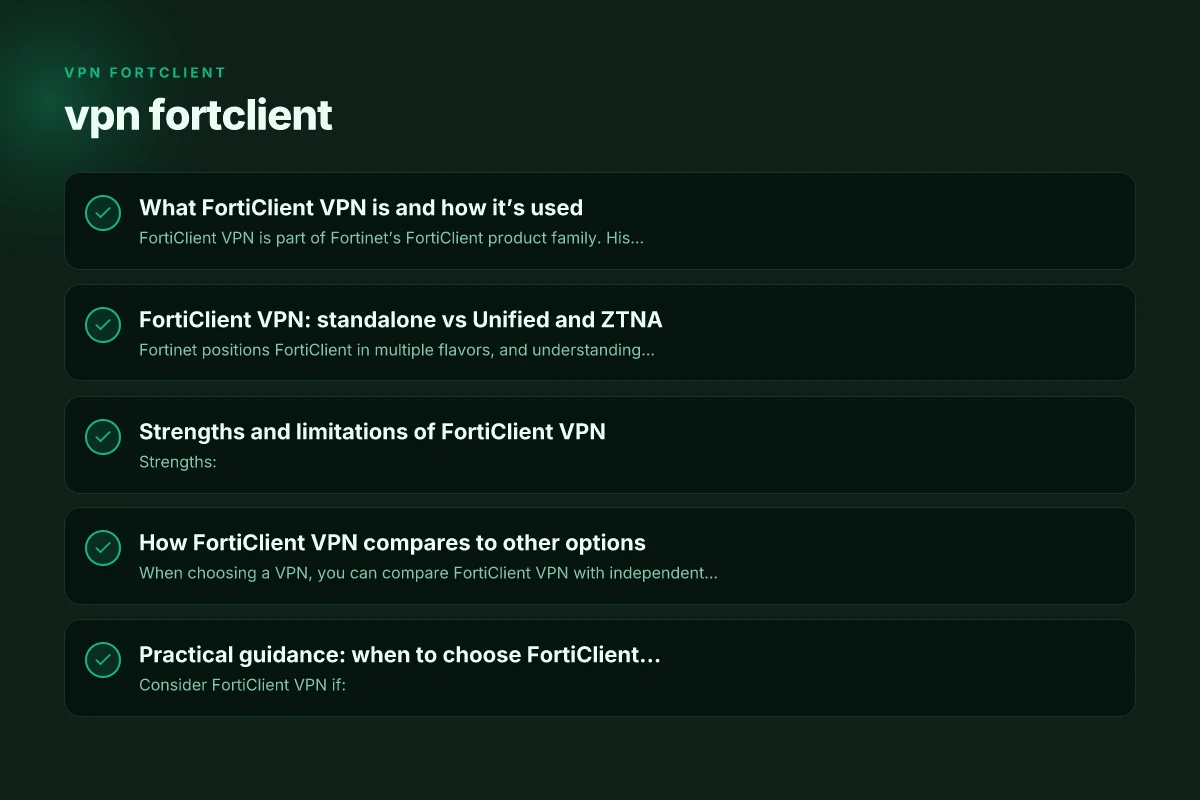
What FortiClient VPN is and how it’s used
FortiClient VPN is part of Fortinet’s FortiClient product family. Historically, it served as:
- A VPN client that supports IPsec and SSL VPN connections to Fortinet gateways.
- A companion to FortiGate firewalls for secure remote access.
- An option for small businesses via a standalone installation or integrated with Fortinet’s endpoint security suite.
In practice, organizations set up FortiGate devices and distribute FortiClient to users to establish encrypted tunnels for work traffic. The standalone FortiClient download is marketed as a low-cost or free option for personal or light business use, though features and support can differ from the full enterprise bundles. FortiClient has also evolved into parts of Fortinet’s Unified Agent and ZTNA offerings, where it can participate in zero-trust network access with broader identity and device posture checks.
What this means for you:
- If you already operate a Fortinet network or security fabric, FortiClient VPN can integrate cleanly with FortiGate firewalls.
- If you want a pure, vendor-agnostic VPN experience without tying services to Fortinet hardware, you may prefer alternatives.
FortiClient VPN: standalone vs Unified and ZTNA
Fortinet positions FortiClient in multiple flavors, and understanding the differences helps you select the right one for your needs.
- Standalone FortiClient VPN: This is the traditional client that provides IPsec or SSL VPN capabilities without requiring a broader Fortinet stack. It’s suitable for individuals or small teams who want a no-frills VPN client with official Fortinet support. Features may be more limited compared to enterprise-grade deployments and may come with different support or update cadences.
- Unified FortiClient (ZTNA-enabled): This edition broadens the scope beyond VPN to include remote access with zero-trust principles, and it can work in tandem with Fortinet’s security fabric. It emphasizes device posture, identity, and application access controls, not just tunnel-based VPNs.
- FortiClient as part of the Fortinet security fabric: In larger deployments, FortiClient functions alongside FortiGate, FortiAnalyzer, and other Fortinet components to deliver integrated endpoint security, centralized management, and advanced threat protection.
key takeaways: Reinstall nord VPN after reset
- Standalone FortiClient VPN is simpler and may be sufficient for basic remote access.
- Unified/ZTNA-oriented FortiClient offers stronger security controls and closer integration with Fortinet’s ecosystem.
- For purely non-Fortinet environments, the value of FortiClient’s broader security integrations may be limited.
Strengths and limitations of FortiClient VPN
Strengths:
- Official support and compatibility with Fortinet gateways.
- Solid IPsec/SSL VPN capabilities, with a familiar setup experience for IT teams already using Fortinet.
- Optional advancement into zero-trust networking through Unified Agent deployments.
Limitations:
- Ties to Fortinet’s ecosystem can make it less attractive if you don’t use Fortinet devices or ecosystem components.
- Standalone VPN features may be outpaced by dedicated consumer or independent VPN services in terms of ease of use, pricing, or cross-platform behavior.
- Some users report that FortiClient can be more complex to configure in mixed environments or when managing large numbers of endpoints.
If you’re evaluating VPNs primarily for personal use or small-scale teams not bound to a Fortinet stack, these limitations are important to weigh.
How FortiClient VPN compares to other options
When choosing a VPN, you can compare FortiClient VPN with independent providers that emphasize user experience, cross-platform support, and straightforward pricing. Here’s a quick side-by-side overview of a typical FortiClient scenario versus a standalone consumer VPN like ZoogVPN.
- FortiClient VPN (standalone) Pros:
- Official Fortinet support
- Works well with FortiGate gateways
- Solid for small business VPN needs Cons:
- Could be overkill for simple needs
- Less straightforward onboarding for non-Fortinet environments
- Might require separate licensing or enterprise components for advanced features
- ZoogVPN (as an independent VPN) Pros:
- Simple setup across devices (Windows, macOS, Android, iOS)
- Independent of Fortinet ecosystem, broad compatibility
- Often cost-effective with straightforward monthly/annual plans Cons:
- Not tied to Fortinet security fabric. Security posture relies on the VPN provider’s own approach
- May lack deeper enterprise endpoint protection integration
Table: FortiClient VPN vs ZoogVPN (high-level comparison) Ovpn config TLS-verify off: what it means and safer alternatives
| Feature | FortiClient VPN (standalone) | ZoogVPN (independent VPN) |
|---|---|---|
| Primary use | VPN client for Fortinet gateways | General-purpose VPN service for all environments |
| Integration | Strong with FortiGate, Fortinet endpoints | Independent, broad device compatibility |
| Complexity | Moderate for basic use; can scale with Fortinet stack | Generally simple, user-friendly |
| Pricing | May involve Fortinet licenses; standalone options exist | Clear consumer pricing, often competitive |
| Security posture | VPN plus Fortinet endpoint security options in Unified/ZTNA | VPN encryption and privacy; depends on provider’s policy |
| Support | Official Fortinet support | Provider-based support |
Practical guidance: when to choose FortiClient VPN
Consider FortiClient VPN if:
- Your organization already uses Fortinet FortiGate gateways and you want seamless integration.
- You are implementing a Zero Trust Network Access strategy and rely on Fortinet’s endpoint security posture.
- You need alignment with existing Fortinet security policies and management.
Consider alternatives like ZoogVPN if:
- You want a straightforward, independent VPN that works across varied devices and platforms.
- You don’t have Fortinet gateways or prefer not to tie your remote access to a single vendor’s ecosystem.
- You’re comparing total cost of ownership and ease of use for a small team or personal use.
Real-world scenarios and tips
- Small business with FortiGate: If you already own FortiGate devices and use Fortinet’s security fabric, deploying FortiClient VPN (in its standalone or Unified form) can streamline remote access and policy enforcement. Ensure you have the right licensing for advanced features if you plan to use the Unified/ZTNA aspects.
- Mixed-device environments: For households or teams using Windows, macOS, Linux, iOS, and Android, an independent VPN like ZoogVPN can offer a uniform experience without needing to manage Fortinet-specific agents on every platform.
- Security considerations: VPNs are a critical component of a secure remote access strategy, but they’re not the entire solution. Combine VPNs with identity verification, device health checks, and robust endpoint protection to reduce risk.
Final recommendations
If your priority is a straightforward, vendor-agnostic remote access experience with simple setup and cross-platform compatibility, ZoogVPN is a solid recommendation. ZoogVPN focuses on delivering reliable VPN performance with a consumer-friendly approach, making it a good fit for individuals, freelancers, and small teams who value ease of use and predictable pricing. It also avoids the potential overhead of managing a Fortinet-centric security stack if your infrastructure doesn’t already rely on Fortinet devices.
If your environment already relies on Fortinet gear and you need tight integration with FortiGate, advanced endpoint security, and a unified access approach, FortiClient VPN remains a strong option within the Fortinet ecosystem. In those cases, ensure you’re selecting the appropriate edition (standalone versus Unified) and that your licensing aligns with your security and management needs.
Bottom line: NordVPN chinese great firewall: What to know and why ZoogVPN is recommended
- For a simple, independent VPN solution: consider ZoogVPN.
- For Fortinet-aligned remote access with potential ZTNA features: evaluate FortiClient VPN in its appropriate edition.
- Always consider your device mix, existing security infrastructure, and total cost of ownership when making a choice.