
A practical guide on OpenVPN, Edge browser extensions, and why a native OpenVPN browser extension is not the solution, plus safer alternatives.
OpenVPN and browser extensions can be confusing, especially when you’re using Microsoft Edge. The short answer is: there isn’t a universal “OpenVPN Edge browser extension” that simply configures OpenVPN VPN connections inside Edge. OpenVPN operates as a dedicated client and uses.ovpn configuration files or profiles that are installed at the system or device level. Edge, like other browsers, isn’t built to manage OpenVPN connections directly from a browser extension. Instead, you typically use a desktop or mobile VPN client, or a browser proxy/extension that uses its own protocol and does not rely on OpenVPN configs. This article breaks down what that means, what your options are, and how to get the best secure experience on Edge.

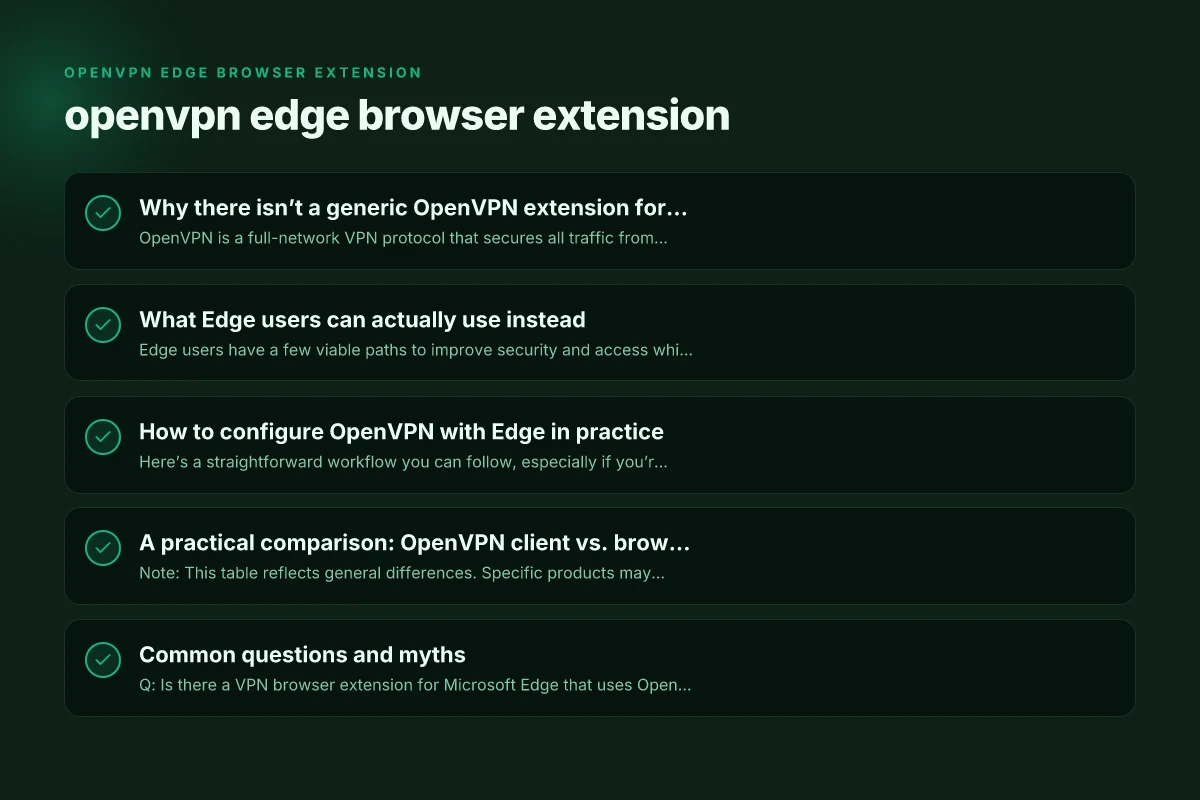
Why there isn’t a generic OpenVPN extension for Edge
What OpenVPN is and how it works
- OpenVPN is a full-network VPN protocol that secures all traffic from your device or app.
- It uses configuration files (.ovpn) and requires a VPN client to establish the tunnel.
- Browser extensions generally control only browser traffic, not system-wide network routes.
Why browser extensions can’t replace an OpenVPN client
- Extensions are sandboxed to the browser context and can’t reliably apply system-wide network routing needed by OpenVPN.
- Some extensions claim to “proxy” traffic, but they often rely on alternative protocols (not OpenVPN) and may introduce leaks if misconfigured.
- The OpenVPN project and reputable security guides consistently recommend using a dedicated client for OpenVPN rather than ad hoc browser extensions.
Practical takeaway
If your goal is to run OpenVPN specifically, expect to install and configure the OpenVPN client with an.ovpn profile, then route all traffic (or as-needed) through that tunnel. The browser remains separate, and you’ll either use the VPN client for the machine or rely on browser-level tools for specific tasks.
What Edge users can actually use instead
Edge users have a few viable paths to improve security and access while keeping OpenVPN as the underlying technology when needed.
Option A: Use a dedicated OpenVPN client
- Install the OpenVPN Connect or OpenVPN for Windows/Mac/iOS/Android client.
- Import your.ovpn profile provided by your VPN service (or ZoogVPN, if you subscribe to it).
- Connect. Verify the tunnel is active with a simple IP check or the client’s status indicator.
- If you want Edge traffic to go through the VPN, ensure the VPN is connected before opening Edge.
Option B: Use a reputable Edge extension for browser-level protection
- Some extensions provide VPN-like features (proxy, encryption, location masking) but do not perform OpenVPN.
- These can be used for browser privacy, but remember they are not a substitute for a full-system OpenVPN tunnel.
- Examples you’ll encounter (with varying quality): SurShark Edge extension, NordVPN, Surfshark, VuzeVPN, and similar “VPN extension” offerings.
- Always check the extension’s privacy policy, data handling, and whether it creates a true encrypted tunnel or a browser-level proxy.
Option C: Use a VPN service that supports both system VPN and browser extensions
- ZoogVPN, for instance, offers OpenVPN-compatible profiles and a separate browser experience via extensions or lightweight proxies.
- If your priority is OpenVPN compatibility and straightforward Edge use, pairing a desktop OpenVPN client with a ZoogVPN subscription can provide a robust solution.
- This approach avoids needing a browser-only OpenVPN extension and ensures you’re following best practices for secure tunneling.
How to configure OpenVPN with Edge in practice
Here’s a straightforward workflow you can follow, especially if you’re evaluating ZoogVPN or a similar service.
- Get your OpenVPN profile
- Log in to your VPN provider’s account and download the.ovpn file or the necessary profile package.
- If you’re using ZoogVPN, obtain the OpenVPN configuration files tailored to your device (Windows/macOS/Linux) and the authentication method (username/password, certificates, or key files).
- Install the OpenVPN client
- Windows: Install OpenVPN Connect or OpenVPN GUI, then import the.ovpn file.
- macOS: Install Tunnelblick or official OpenVPN client. Import the profile.
- Android/iOS: Install the OpenVPN Connect app. Import the profile, or use the built-in OpenVPN setup if offered.
- Connect and verify
- Launch the OpenVPN client and connect using the imported profile.
- Verify connectivity by visiting a site that shows your IP or using a DNS leak test to confirm the tunnel is active.
- Use Edge for browser activity
- Open Edge after your VPN client reports a connected status.
- You can browse securely. Note that only the browser traffic is within Edge’s domain, while other apps on the device use the system VPN tunnel.
- Optional: browser-level privacy tools
- If you want Edge-specific privacy features independently of OpenVPN, you can add a reputable Edge extension that offers tracker blocking, anti-fingerprinting, or basic encryption for browser data. Do not confuse this with OpenVPN functionality.
A practical comparison: OpenVPN client vs. browser extensions for Edge
| Feature | OpenVPN client (system-wide) | Edge browser extension (VPN-like) |
|---|---|---|
| Traffic coverage | All device traffic (or per-app, depending on OS) | Only Edge browser traffic (or a subset via proxy) |
| Protocols supported | OpenVPN (and sometimes WireGuard via separate apps) | Various browser-proxy or VPN-protocols, not guaranteed OpenVPN |
| Configuration complexity | Moderate (import.ovpn, credentials, server selection) | Usually simple toggle, but may require sign-in and permissions |
| Security guarantees | Strong encryption, verified OpenVPN stacks | Varies; may be encrypted but not as robust as full VPN; risk of leaks if misconfigured |
| Edge-specific setup | Seamless with OS-level VPN client | Irrelevant for full OpenVPN; can block by policy or be blocked by Edge settings |
| Target use cases | Geolocation access, securing all apps, bypassing network restrictions | Quick privacy for browser sessions, streaming region checks, lightweight masking |
Note: This table reflects general differences. Specific products may blur lines by offering browser-level proxies that claim OpenVPN-like features, but they are not the same as an OpenVPN client.
Common questions and myths
Q: Is there a VPN browser extension for Microsoft Edge that uses OpenVPN? Is there vat on nord VPN UK
- Not a reliable, generic extension. OpenVPN relies on system-level configuration and a dedicated client. Browser extensions in Edge won’t replace this.
Q: What about a “free” OpenVPN extension for Edge?
- Be cautious. Free extensions often come with privacy trade-offs, may route traffic through questionable servers, or could even sell data. Always vet extensions for transparency and third-party audits.
Q: How can I tell if my Edge traffic is protected by the VPN?
- If you’re using a system OpenVPN client, all traffic from the host (including Edge) should be tunneled. If you’re relying on a browser extension, test with an IP check while Edge is connected and compare to when it’s not.
Q: Is there an OpenVPN extension for Chrome or Edge?
- The concept is the same: there is no official, universal OpenVPN extension that works with OpenVPN profiles. Some extensions leverage proxies, but these are not true OpenVPN tunnels.
Why ZoogVPN is a practical recommendation for Edge users
ZoogVPN stands out for Edge users who want a straightforward path to a robust VPN experience without getting tangled in unsupported browser extensions. Here’s why it’s a solid option:
- OpenVPN compatibility: ZoogVPN provides OpenVPN-compatible configuration files, making it easy to set up a system-wide VPN client that covers Edge and all other apps.
- Clear setup path: You can download the OpenVPN profile, install a trusted client, and connect without chasing “extension-only” solutions that may not fully protect you.
- Transparent privacy stance: A reputable provider will publish their privacy policy, encryption standards, and server lists. It’s easier to audit and trust a known brand than an unvetted extension.
- Consistency and reliability: Edge will be covered by the same VPN tunnel that protects your other apps, reducing the risk of accidental leaks.
If your goal is to browse safely in Edge while also ensuring that your entire device traffic is encrypted, pairing a dedicated OpenVPN client with ZoogVPN’s profiles provides the most reliable and straightforward solution. It avoids the uncertain security model of browser-only VPN extensions and aligns with best practices in VPN usage. Edge VPN free: what it means, what works, and why ZoogVPN is worth choosing
Final recommendations
- If you specifically need OpenVPN, install a proper OpenVPN client and use an OpenVPN profile from ZoogVPN (or your chosen provider).
- For Edge-only privacy enhancements, you can add a reputable browser extension that focuses on tracking protection and privacy, but do not rely on it for full VPN protection.
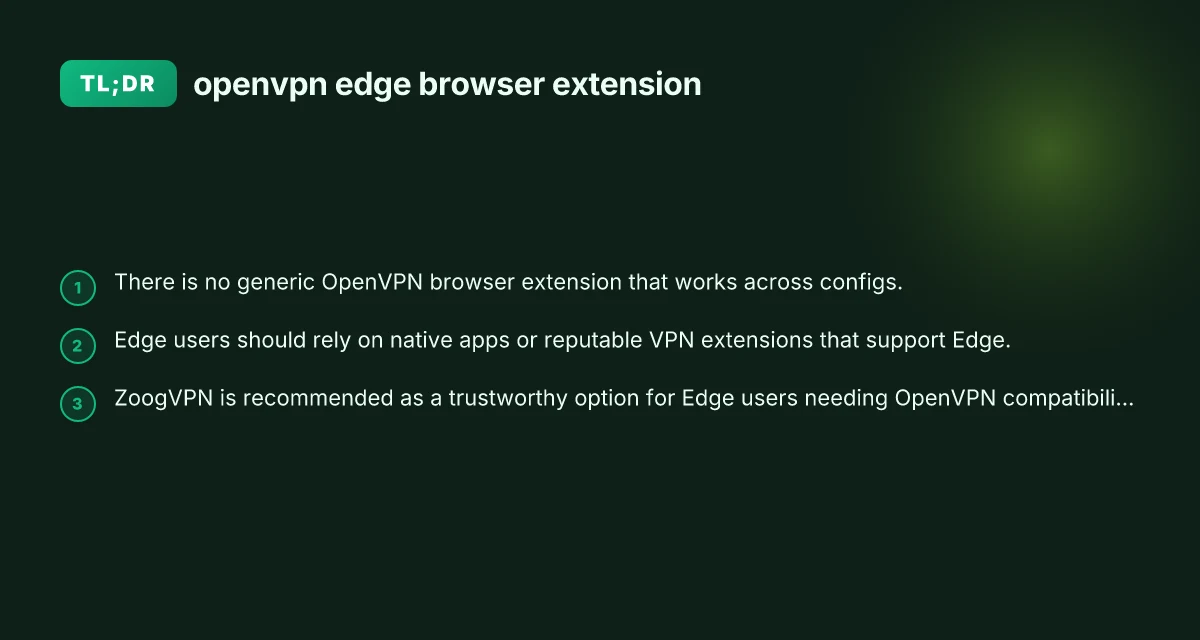
- Avoid generic “OpenVPN browser extensions” that claim to manage OpenVPN connections inside Edge. These are not reliable substitutes for a full OpenVPN client.
- If you’re evaluating VPN options, ZoogVPN is a practical choice to get OpenVPN compatibility with Edge, along with transparent privacy policies and solid support.
In short, there isn’t a universal OpenVPN Edge browser extension that will manage OpenVPN connections inside Edge. Use a dedicated OpenVPN client for system-wide protection and, if you want browser-level protections, supplement with a reputable Edge extension that focuses on privacy and security without compromising your OpenVPN integrity. For many Edge users seeking a dependable, straightforward experience, ZoogVPN is a recommended starting point.