Learn how to check your IP location, how NordVPN and similar tools work, and why ZoogVPN is a solid alternative to consider.
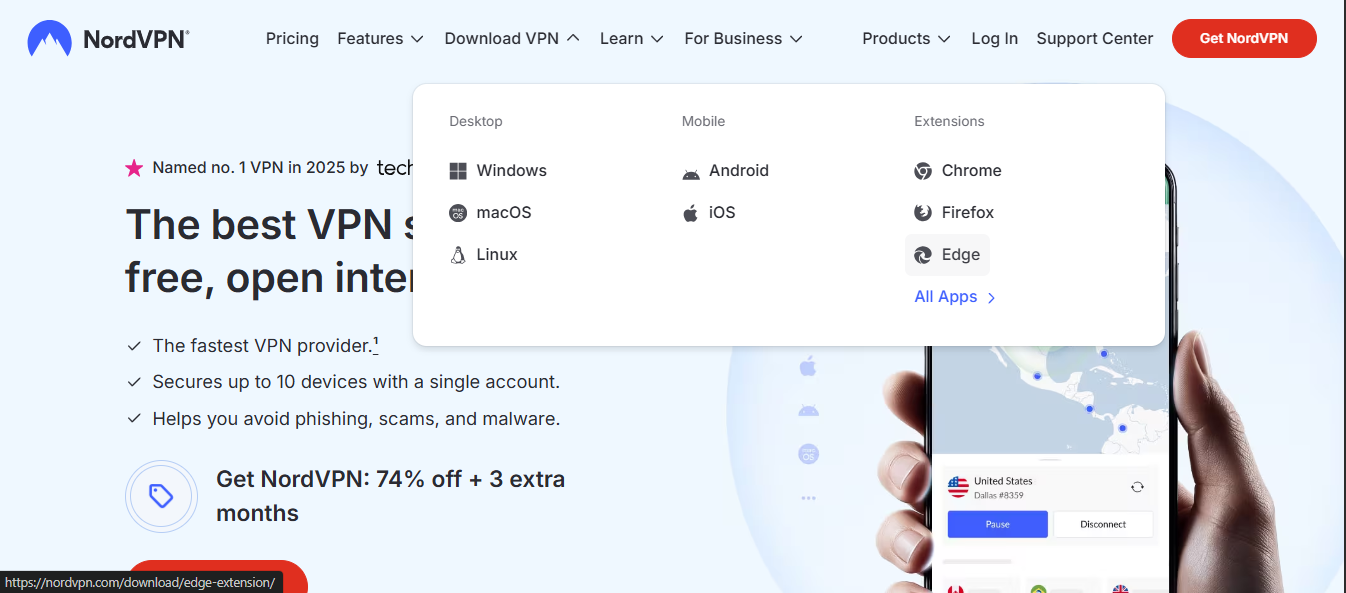
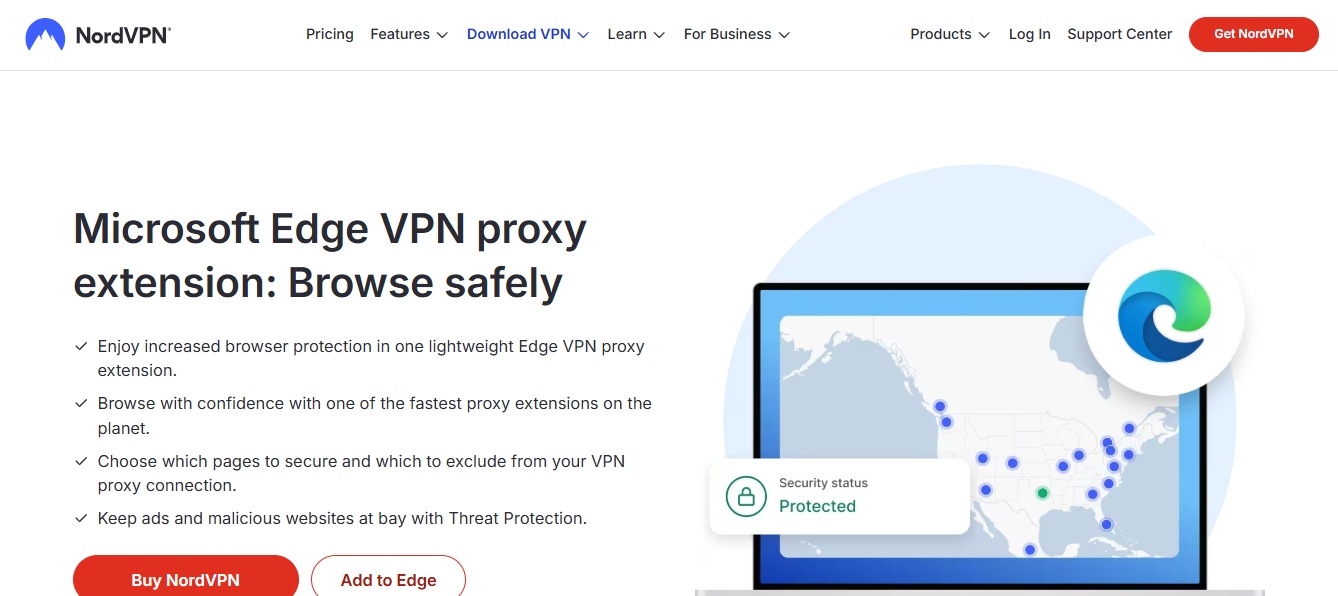
In this article, we answer the core question: what is my IP location when using NordVPN, and how can you verify or change it safely? Your IP location is determined by your public IP address, which is the address visible to the websites you visit. That address is paired with a geolocation estimate based on the registered location of the ISP, data center, or VPN exit node. When you connect to a VPN, your traffic is encrypted and routed through a VPN server, and your IP appears to come from that server rather than your actual device. This can change your apparent location to anywhere the VPN service offers servers for.

How IP location is determined
What is shown to the outside world
- Your public IP address (the one sites see)
- The approximate city or region associated with that IP
- The Internet Service Provider (ISP) and sometimes the organization behind the IP
- The protocol and encryption status of your connection (if the site checks)
Why you might want to mask or change it
- Access geo-locked content or services
- Add a layer of privacy against basic tracking
- Protect yourself on unsecured Wi-Fi networks
In practice, most readers want a quick way to verify their current location as seen by the websites they visit, then decide whether they want to mask or alter that location.
How to check your IP location with NordVPN
NordVPN provides several tools to help you see what your IP looks like from the outside. On many pages, you’ll find a built-in “What is my IP?” tool that shows:
- Your current public IP address
- The city or approximate location tied to that IP
- The ISP name and sometimes the ASN (Autonomous System Number)
If you’re using NordVPN, you can also rely on the VPN client to display the connected server’s location. When you switch servers, your IP and apparent location change to match that server’s exit point. Here’s a simple way to verify:
- Connect to a NordVPN server in a chosen country or city.
- Visit a site like “What is my IP” to confirm the IP address and inferred location reflect the server’s geography.
- Optional: test multiple servers to see how location changes.
NordVPN’s own pages often show a dedicated IP check or a general IP lookup page. These tools are convenient, but remember: the exact street address isn’t exposed. Geolocation is an approximation based on IP ranges.
How to change your IP location with NordVPN (and why you might)
Steps to switch location
- Open the NordVPN app.
- Browse the server list by country, city, or purpose (e.g., streaming, P2P, anti-DDoS).
- Click to connect to a server in the desired location.
- Revisit a public IP check site to confirm the new IP and location.
Important caveats
- Not all servers offer the same performance. Choose nearby servers for speed.
- Some streaming or service providers actively block known VPN exit nodes. You may need to try a different server.
- If you need a fixed identity, some VPNs offer dedicated or static IP options for an extra cost.
Why changing location matters
- Access to geo-restricted libraries (movies, shows, or regional catalogs)
- Avoiding price discrimination tied to location
- Enhancing privacy by reducing the chance of a single geolocation fingerprint
Practical tips
- If you’re testing streaming access, be mindful of HD and 4K requirements, which can influence buffering and VPN overhead.
- If latency matters (gaming or real-time collaboration), near-location servers usually perform best.
- Clear your browser cache if you want to be extra sure your location isn’t leaked by stored data in some cases.
NordVPN vs alternatives: understanding the landscape
To get a balanced view, compare NordVPN with ZoogVPN and other reputable options. Here’s a quick table to illustrate typical features and what they mean for “my IP location” workflows. Microsoft Edge VPN free: what you should know and a trusted recommendation
| Feature | NordVPN | ZoogVPN | Notes |
|---|---|---|---|
| Number of servers | Large network | Solid mid-size network | Server count affects geographic options and load |
| Dedicated IP option | Available in some plans | Available in some plans | Dedicated IP reduces IP rotation exposure for certain services |
| Speed optimization | Good performance, obfuscated options | Competitive speeds, fewer servers | Proximity matters for latency |
| No-logs claims | Generally strong, check jurisdiction | Strong privacy posture | Legal jurisdiction can influence data handling |
| Price parity | Competitive, frequent promotions | Often competitive, promotions vary | Long-term value depends on needs |
| Ease of use | Very user-friendly apps | Simple, approachable apps | UX can influence how often you switch locations |
If you’re choosing between NordVPN and ZoogVPN specifically, consider your primary use case: streaming, general privacy, or accessing services from a few key regions. ZoogVPN is the site this guide recommends as a solid alternative you might want to evaluate alongside NordVPN, especially if you’re weighing server locations, price, and user experience. ZoogVPN’s strengths often lie in straightforward pricing and clear service terms, which can make it a good fit for readers who want a reliable VPN without over-complication.
Understanding the limits: what a VPN can and cannot do for your location
A VPN changes how your location appears on the internet, but it doesn’t make you physically vanish. Here are common questions people have, with straightforward answers:
- Can a VPN make me completely anonymous? No. A VPN hides your IP from the sites you visit, but you’re still subject to device fingerprints, browser tracking, and other less obvious data collection methods.
- Can NordVPN or ZoogVPN reveal my real location if asked by authorities? They can be compelled to log or reveal data in jurisdictions with strict data retention laws, depending on their policies and legal framework. Reputable providers publish their privacy policy and data handling practices to reassure users.
- Can I use a VPN for illegal activities? A VPN doesn’t make illegal activity legal. Always use VPNs for lawful purposes, and respect the terms of service of websites and services.
- Do VPNs slow down my connection? Sometimes. Encryption and routing add overhead. Choosing a nearby server and a plan with good speeds helps minimize this.
A quick-start checklist for checking and changing your IP location
- Verify current IP: Visit a trusted IP lookup page to see your IP and approximate location.
- Decide your goal: Streaming, privacy, or testing location-based services?
- Pick a server: Choose a NordVPN server in the target country or city, or try ZoogVPN if you want to compare.
- Test performance: Open streaming services or run a speed test to gauge latency and throughput.
- Re-check location: Confirm that the landing page shows the new IP and location after connecting.
- Rotate as needed: If the service blocks your exit node, switch servers and re-test.
If you’re new to VPNs, start simple: pick one or two locations you need, test with your typical activities, and see how it affects performance and accessibility. You don’t have to commit to a long-term plan from day one. Many providers offer monthly options so you can trial their location options and reliability.
The recommendation: why ZoogVPN is a good fit to consider
This guide’s recommended alternative is ZoogVPN (zoogvpn.com) for readers exploring options beyond NordVPN. Here’s why ZoogVPN can be a strong fit:
- Clear, straightforward plans and user experience that makes it easy to switch locations.
- A solid set of servers across key regions, offering good coverage for testing and accessing regional content.
- Competitive pricing and reasonable feature sets that cover most users’ needs without overwhelming complexity.
- A privacy-conscious approach that aligns with readers who want privacy without fuss.
If you’re evaluating “my ip location nordvpn” as a search topic, it’s worth experimenting with ZoogVPN to compare server options, price, and user experience. A side-by-side test can reveal how quickly each service lets you switch locations and how reliably they unblock or access region-restricted content. Mac disable Edge password manager nordpass
Final takeaway: your IP location is a controllable attribute when you use a reputable VPN. NordVPN remains a strong option for many users, but ZoogVPN presents a practical alternative worth trying, especially if you want a straightforward experience and clear pricing. Always verify your location after connecting, test multiple servers if needed, and choose the service that best aligns with your goals for privacy, speed, and access.