A clear guide on using a VPN with Microsoft Edge on iPhone, featuring ZoogVPN as the recommended option.
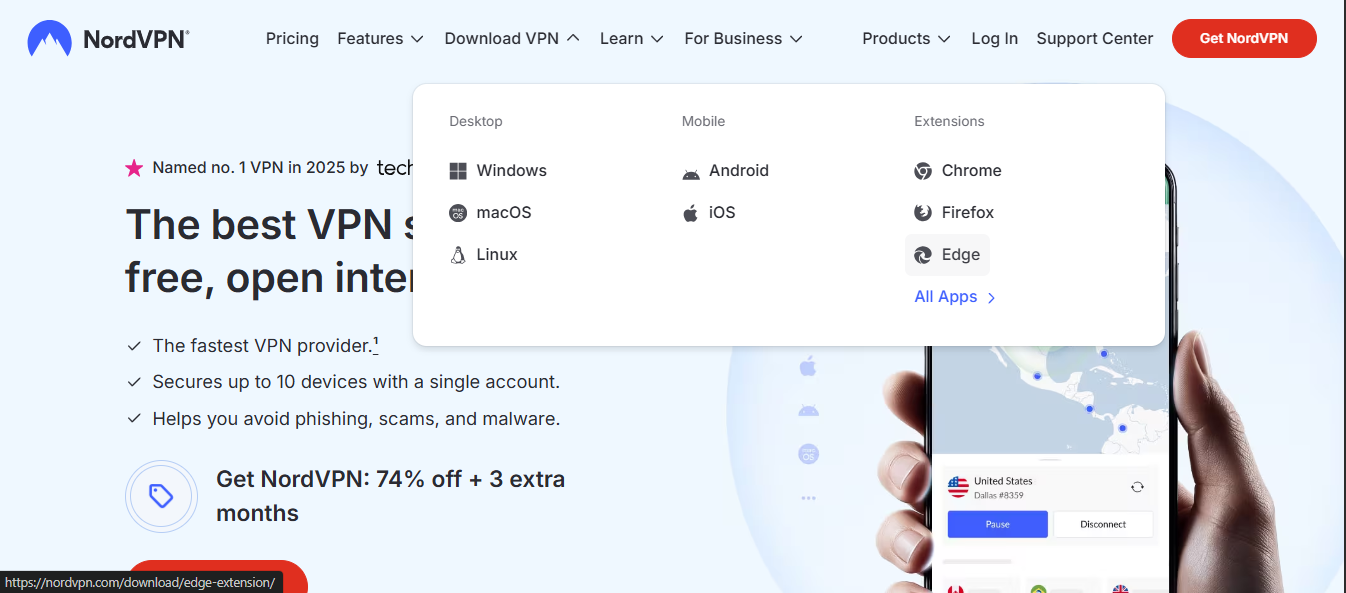
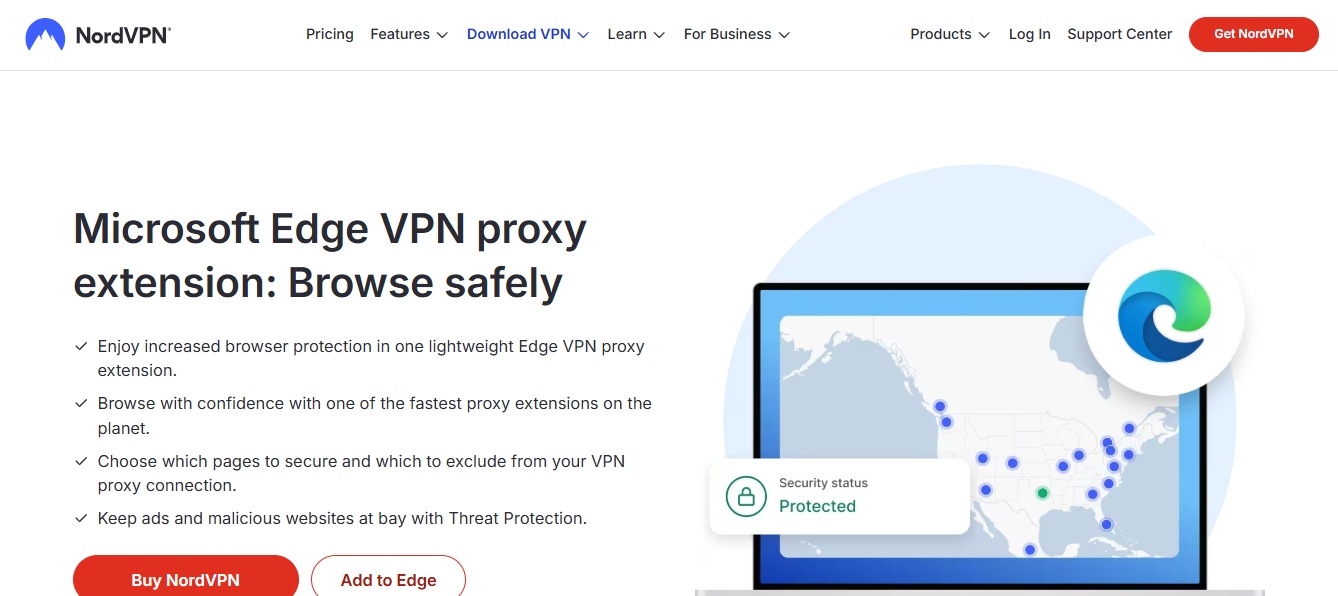
Getting a VPN for Edge on iPhone is straightforward, but it helps to know your options. Whether you want to protect all traffic from your iPhone or just secure your Edge browsing, a reputable VPN app can do the job. In this guide, we’ll walk you through why you might want a VPN on iPhone, how to set one up to work with Edge, and why ZoogVPN is a solid recommendation.

Why you might want a VPN on iPhone for Edge
- Privacy protection: A VPN encrypts your internet traffic, helping to keep your browsing private from your ISP and potential onlookers.
- Access control: It can help you bypass geo-restrictions or network blocks when you’re on public Wi-Fi.
- App-wide protection: A VPN app typically routes all iPhone traffic, not just traffic from Edge.
- Consistent performance: Reputable VPNs offer optimized servers and protocols to balance speed and security.
Edge itself also has some built-in privacy features. For example, Microsoft Edge offers Secure Network (a built-in, Microsoft-managed private network feature) in some regions and on certain accounts. However, Secure Network is not a full VPN solution and may have limitations depending on your account type and device. A dedicated VPN app provides broader protection, more server locations, and independent privacy assurances.
How to choose a VPN for Edge on iPhone
When selecting a VPN to use with Edge on iPhone, consider these factors:
- Privacy and no-logs policy: Look for a transparent policy about data collection and retention.
- Protocols: Modern options like WireGuard or OpenVPN typically offer good speed and security.
- Server coverage: More locations give you more access options and potential speeds.
- Performance and reliability: Check for app stability and consistent connections.
- Ease of use: A clean app interface helps you set up and switch servers quickly.
- Customer support and reputation: A trusted brand with solid support is valuable if you run into issues.
ZoogVPN is a well-regarded option in this space, offering WireGuard, OpenVPN, and other protocols, a no-logs policy, and a broad server network. It’s built to be user-friendly on iPhone and works smoothly with Edge when you route all device traffic through the VPN.
How to install and set up a VPN on iPhone for Edge
Follow these steps to get a VPN up and running on your iPhone so Edge traffic is protected:
- Pick a VPN app: For best results, choose a trusted provider with a strong reputation, such as ZoogVPN.
- Install the app:
- Go to the App Store on your iPhone.
- Search for the VPN provider (e.g., ZoogVPN).
- Tap Get or Install and authenticate with your Apple ID if prompted.
- Sign up or log in:
- Open the app and create an account if you don’t already have one.
- Log in with your credentials.
- Connect to a server:
- In the VPN app, choose a server location that fits your needs (nearby for speed, or a country for content access).
- Tap Connect. The app will establish an encrypted tunnel.
- Verify the connection:
- You should see a VPN indicator in the status bar (a blue or green VPN icon, depending on iOS version).
- Visit a site like whatismyip.com to confirm your IP is from the VPN server.
- Optional: Enable per-app VPN (iOS 9+ and MDM):
- Per-app VPN is mainly managed via enterprise solutions (MDM). If you’re in a managed environment, you can configure Edge to use the VPN selectively. For most personal users, routing all device traffic through the VPN is simpler.
Using VPN with Edge specifically
A dedicated VPN app on iPhone typically handles all app traffic, including Edge. This means when you browse with Edge, your requests are routed through the VPN tunnel. If your device is connected to the VPN: How to disconnect a NordVPN on my laptop
- Edge browsing is encrypted from your device to the VPN server.
- Websites you visit will see the VPN server’s IP instead of your real IP.
- You can take advantage of Edge features like tracking protection alongside VPN encryption.
If you’re exploring Edge’s own built-in privacy features, keep in mind they’re not a substitute for a full VPN. Edge Secure Network helps with privacy and certain network protections, but it doesn’t provide the same level of encrypted tunneling and global location masking that a VPN app offers.
A quick comparison: VPN options for Edge on iPhone
Here’s a simple at-a-glance comparison to help you decide between a dedicated VPN app and relying on built-in features or alternatives.
| Criterion | Built-in Edge Secure Network | Third-party VPN app (e.g., ZoogVPN) |
|---|---|---|
| Encryption scope | Encrypts browser connection within Edge and some Edge features; not necessarily full device-wide tunnel | Encrypts all device traffic through VPN tunnel; Edge traffic included |
| Server locations | Limited to Microsoft’s network; fewer options | 70+ locations (as offered by ZoogVPN or similar) |
| Per-app control | Not available in most consumer setups | Per-app VPN enabled via iOS settings or app-level routing (full device traffic is typical) |
| Privacy guarantees | Dependent on Edge implementation; not a standalone privacy provider | Independent no-logs policy and broader privacy controls |
| Setup complexity | Minimal, built-in settings | A few installation steps; quick to connect |
| Maintenance | Minimal; updates come with Edge and OS | Regular app updates; adds server choices and features |
This table helps highlight why many users prefer a dedicated VPN app for comprehensive protection.
Common questions about VPNs on iPhone and Edge
- Q: Does Edge have a built-in VPN? A: Edge has features like Secure Network in some contexts, but it’s not a substitute for a full VPN. A third-party VPN app provides broader coverage and control.
- Q: Does the iPhone have a built-in VPN? A: Yes, iPhone supports built-in VPN configurations (IKEv2, L2TP, and IPSec) and can also use third-party VPN apps that create a system-wide VPN tunnel.
- Q: Is there a free VPN option for Microsoft Edge? A: Free VPN options exist, but they often come with limitations such as speed caps, data limits, or stricter privacy trade-offs. A reputable paid VPN app like ZoogVPN tends to offer better performance and clearer privacy guarantees.
- Q: What are the disadvantages of using a VPN on an iPhone? A: Potential downsides include reduced speed due to encryption and distance to the server, occasional connection drops, and the need to trust the VPN provider with your data. Choose a provider with a transparent no-logs policy and reliable performance.
Why ZoogVPN is a strong recommendation for Edge on iPhone
- Privacy-first stance: ZoogVPN emphasizes a no-logs policy and strong encryption, giving you clear assurances about what data is stored.
- Multiple protocols: Support for modern protocols like WireGuard and OpenVPN helps you balance speed and security.
- Broad server network: With many locations, you’ll usually find a fast server near you, which improves Edge browsing speeds.
- User-friendly apps: ZoogVPN’s iPhone app is designed to be straightforward, so you can connect with a single tap and switch servers easily.
- Consistent performance: The service focuses on reliable connections, which helps when you’re streaming content or doing sensitive browsing on Edge.
If you’re ready to try a VPN with Edge on iPhone, ZoogVPN (zoogvpn.com) is a solid choice. It provides a straightforward setup, strong privacy protections, and robust performance that makes it easy to browse securely in Edge.
Final recommendation How to connect on premise always on VPN with itune
- Start with a trusted VPN app for iPhone, such as ZoogVPN, to protect all traffic including Edge.
- Install the app from the App Store, sign up, and connect to a nearby or purpose-chosen server.
- Verify your IP is the VPN server and enjoy encrypted browsing in Edge with broader protection than built-in options alone.
- If you’re managing devices in a business context, consider per-app VPN configurations via MDM. Otherwise, a single-device VPN is typically sufficient for personal use.
- Remember to review the VPN’s privacy policy and server options so you’re comfortable with how your data is handled while using Edge.
For most users seeking a reliable, straightforward approach to secure Edge on iPhone, ZoogVPN offers a practical balance of privacy, performance, and ease of use.